Image to STL Blog
Guides, tutorials, and updates from Image to STL.
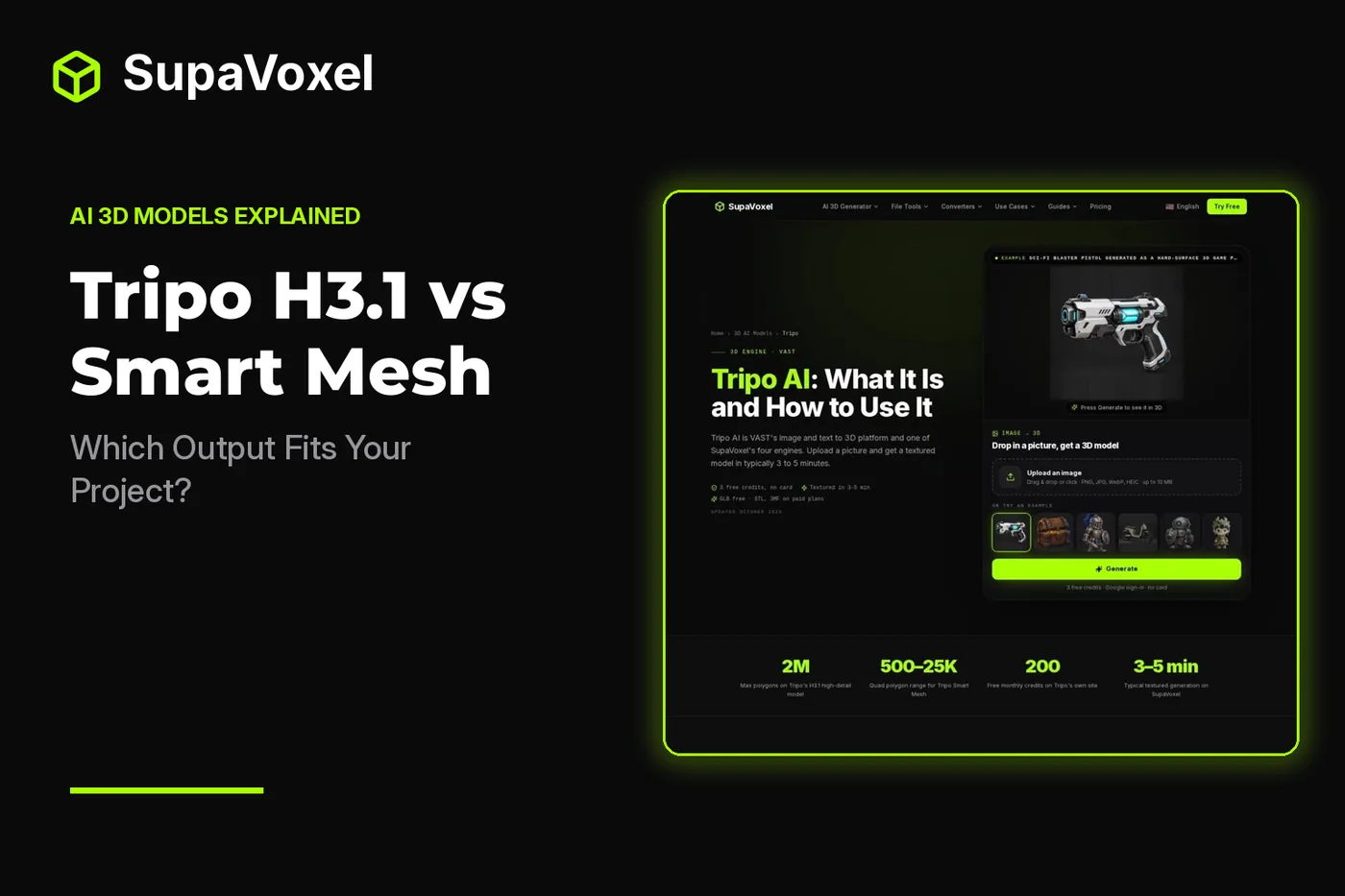
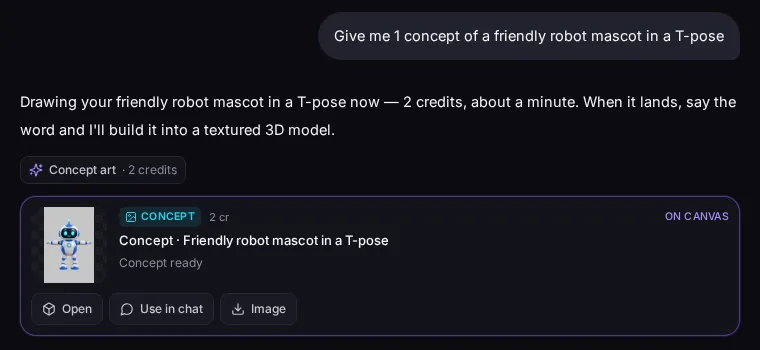

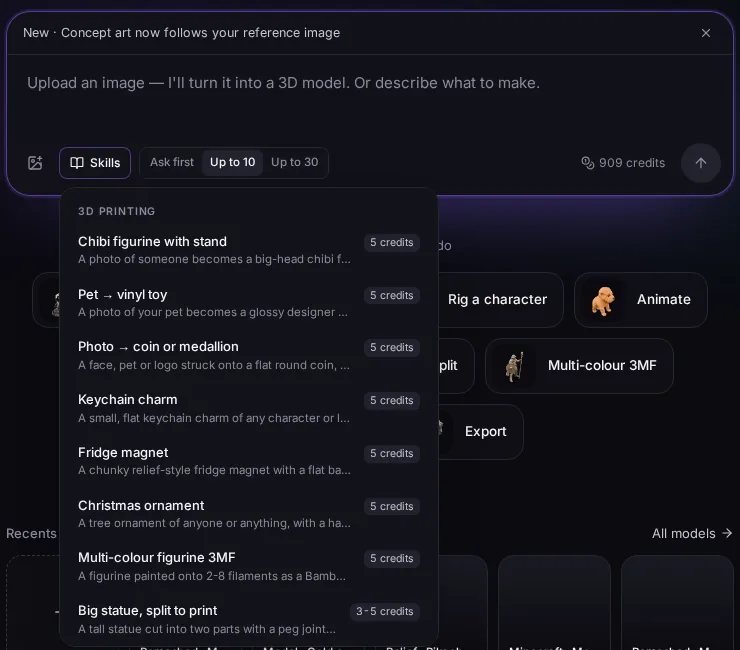
Image to STL: Turn a Photo Into a Chibi Figurine With Snapshapy
This image to stl guide explains how to use Snapshapy to turn one photo into a printable chibi figurine with a stand and prepare the exported STL.
Read article →Image to STLSnapshapy TutorialSnapshapy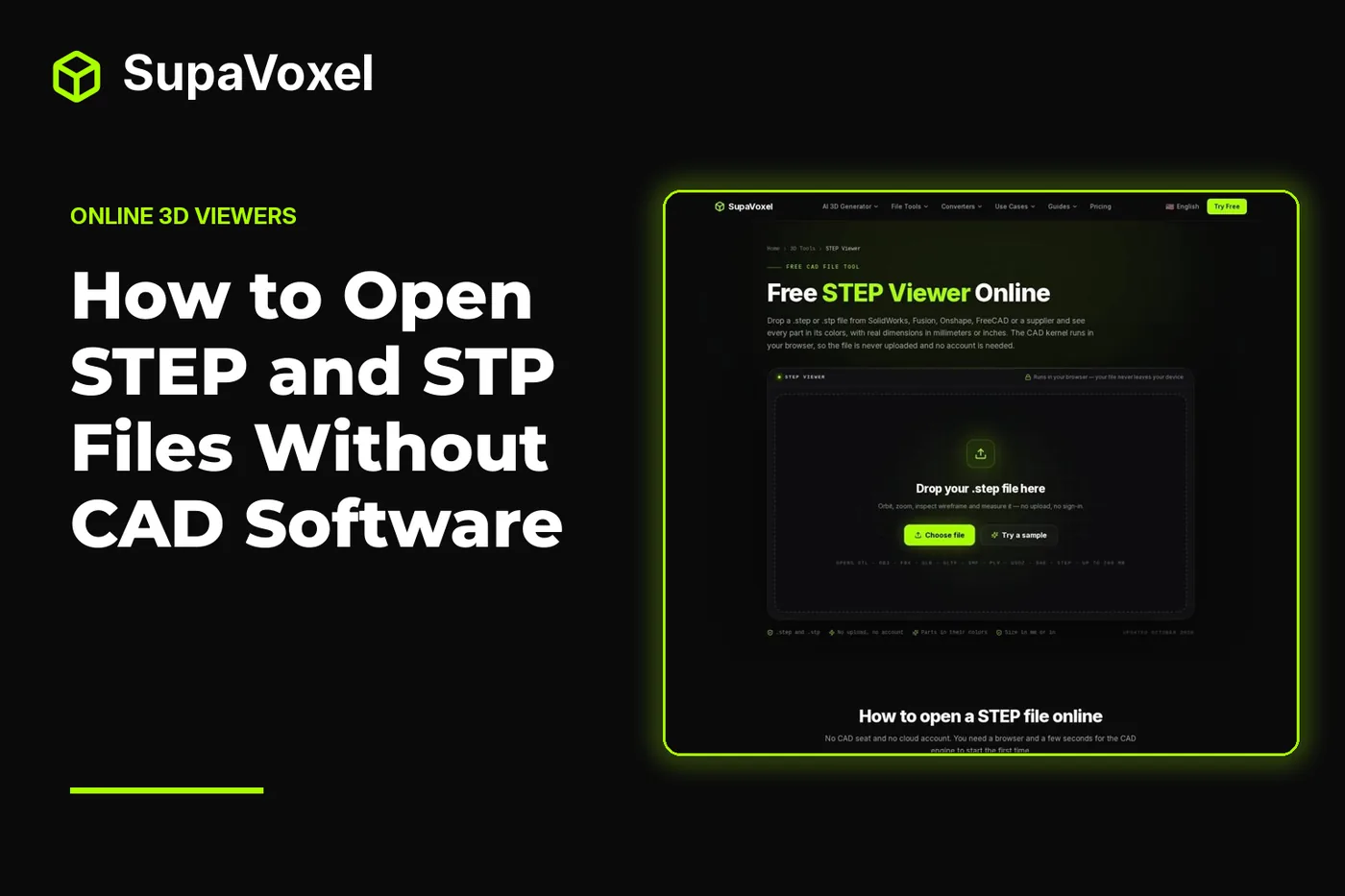
Image to STL: Open STEP and STP Files Without CAD
Learn how image to stl workflows connect with STEP files: open STEP and STP models in a browser, check dimensions, and convert them to STL for printing.
Read article →Image to STLStep ViewerSupavoxel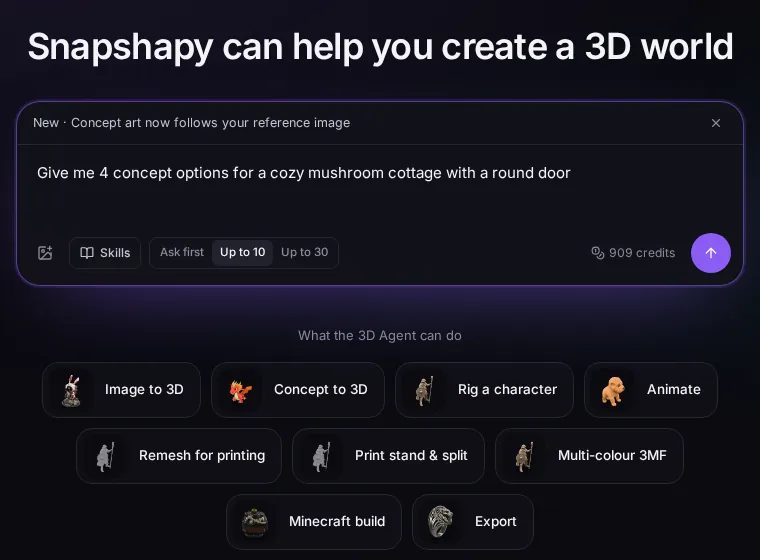
Image to STL: A Snapshapy Tutorial for Textured 3D Models
Learn how Snapshapy turns a simple idea into concept images and a textured 3D model, and see how image to stl fits into the workflow from start to finish.
Read article →Image to STLSnapshapy TutorialSnapshapy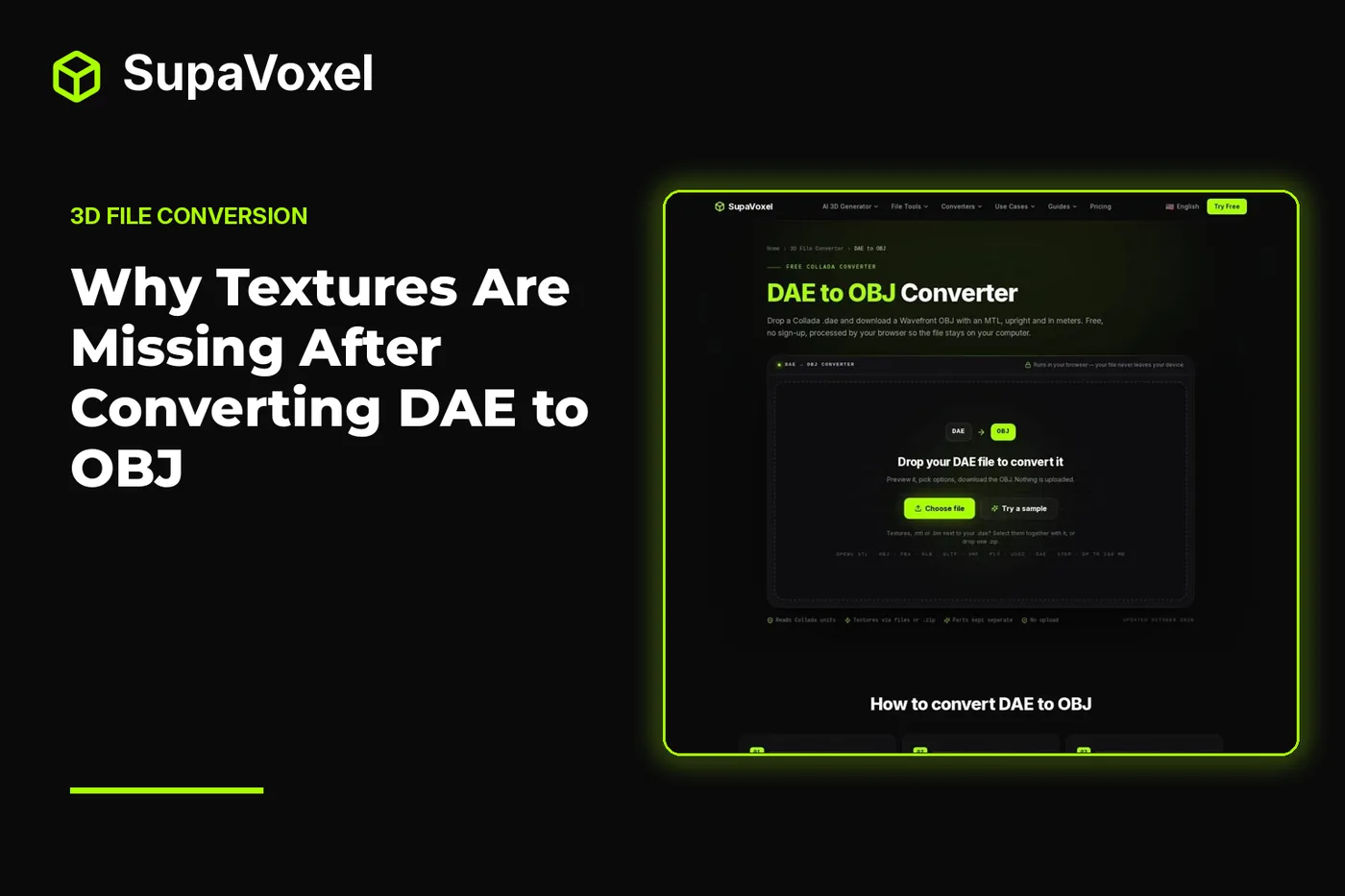
Image to STL: Why Textures Go Missing in DAE to OBJ
Learn how image to stl workflows relate to missing textures in DAE to OBJ conversions, how to supply images, and how OBJ, MTL, and PNG files stay linked.
Read article →Image to STLDae to ObjSupavoxel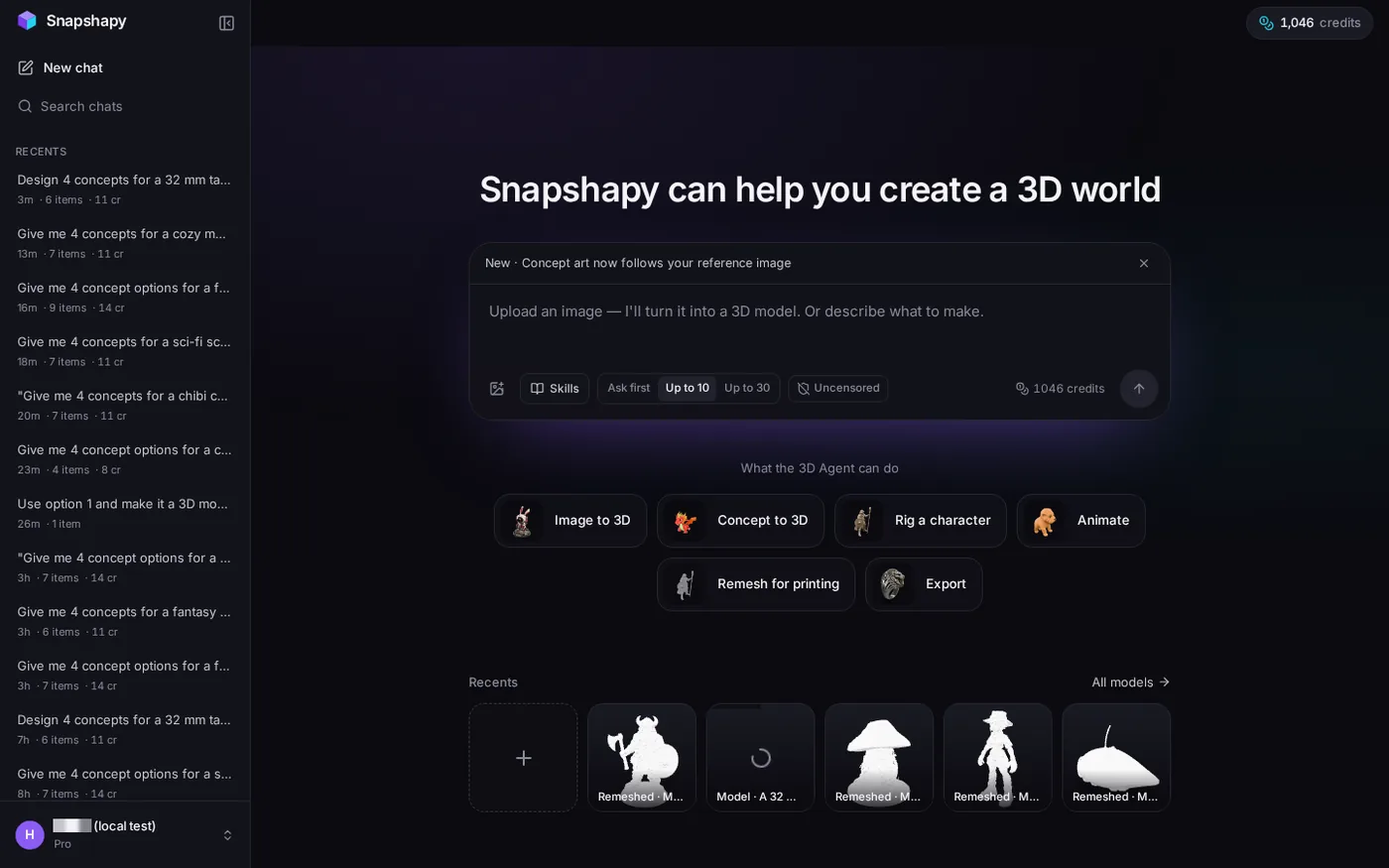
Image to STL: Meshy 3D Agent Pricing for Game Props
Learn how Meshy 3D Agent pricing compares for game props, with credit use, approval stops, and mobile-ready chest costs relevant to an image to stl workflow.
Read article →Image to STLMeshy 3D AgentSnapshapy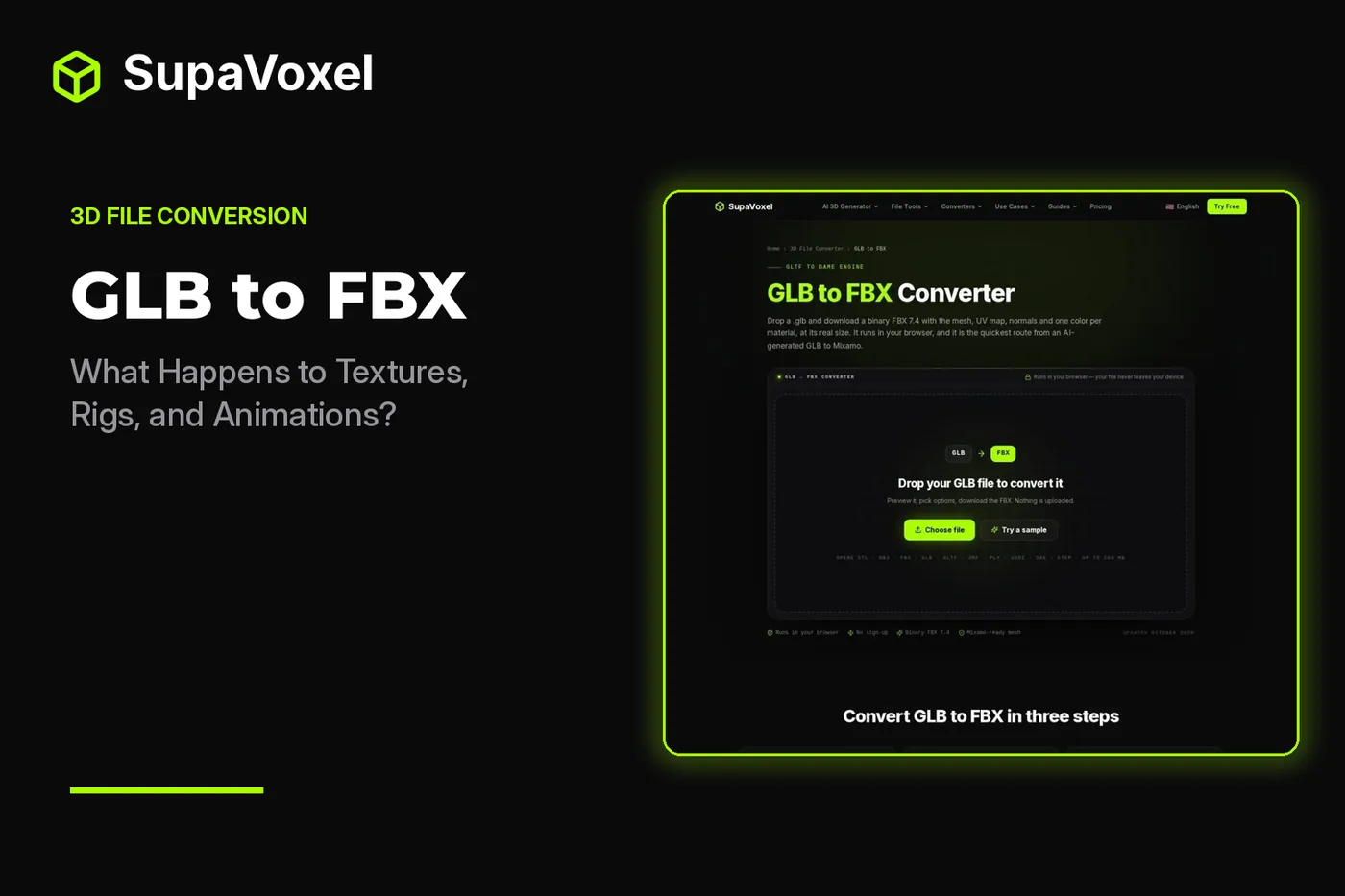
Image to STL: GLB to FBX Textures, Rigs, and Animations
See what a GLB to FBX conversion preserves or drops, including textures, rigs, animations, UVs, and mesh data, and how that compares with image to stl workflows.
Read article →Image to STLGlb to FbxSupavoxel