Convert Images to 3D-Printable STL Files
Transform any JPG or PNG photo into a high-quality 3D model ready for printing. Convert to 3D instantly -- our free AI-powered tool requires no software installation.
- Fast AI-powered conversion
- Preserve intricate details
- No software needed
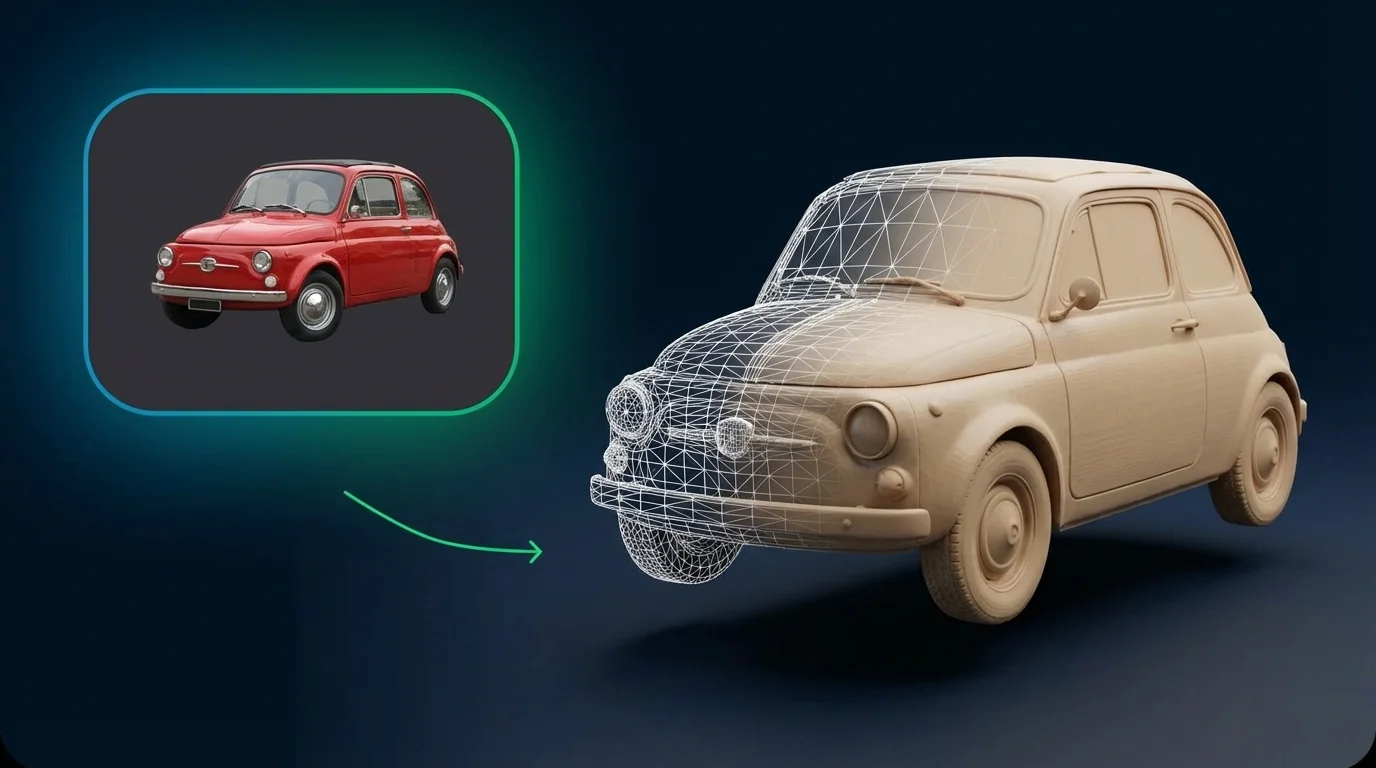
How to Convert a JPG Image to 3D
1. Import a JPG or PNG photo
Upload your photo using our simple drag-and-drop interface. We support all major formats including JPG, PNG, and WEBP (Max file size: 20MB).
2. Generate Your 3D Model
Click the "Convert" button to transform your image into a 3D model. Within moments, our AI generates detailed geometry and surfaces automatically -- no 3D modeling skills required.
3. Download your file
Once processing finishes, download your file instantly. Your 3D-printable model is ready to import into any slicer software, saving you hours of manual modeling work.
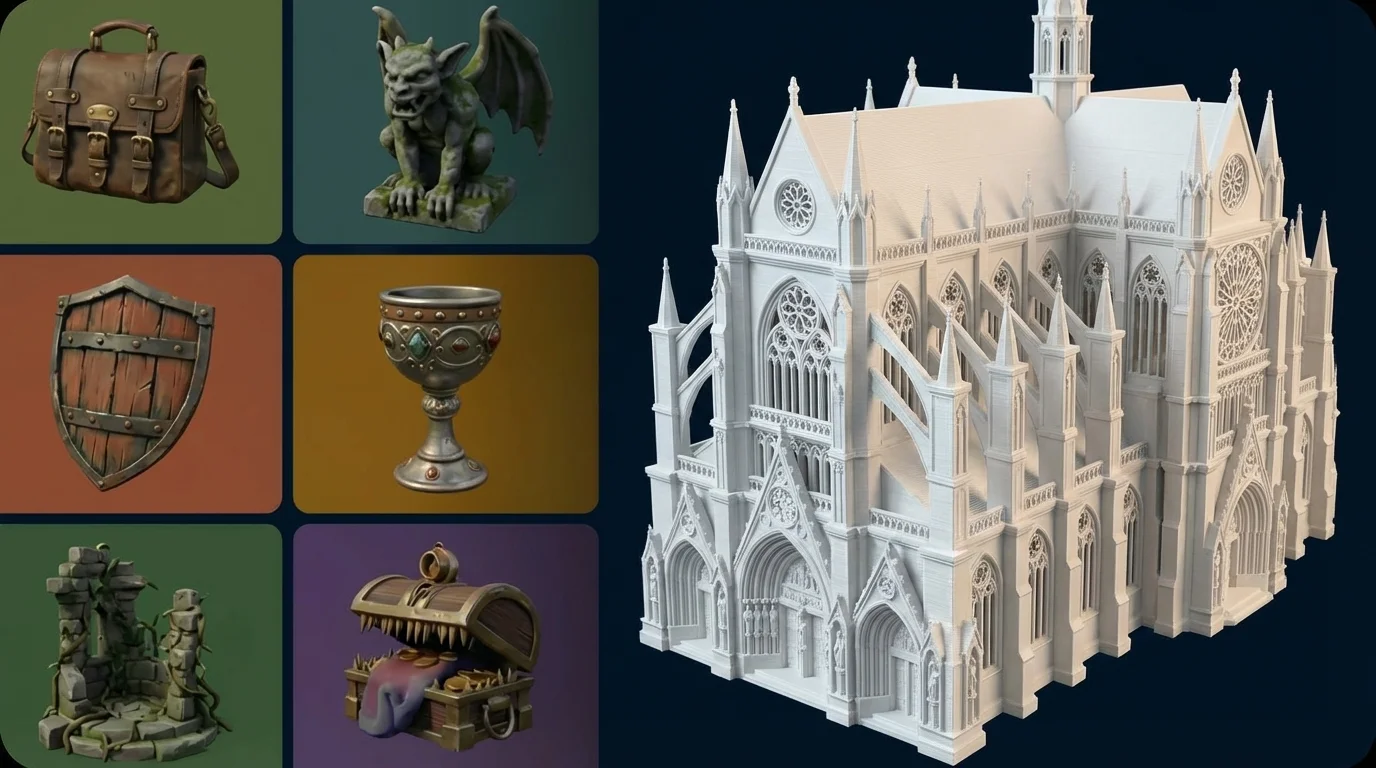
Intricate Geometry Details
Our advanced AI conversion engine preserves every detail from your source images. The generated 3D models capture intricate shapes and fine surface details, producing STL files ready for high-quality 3D printing.
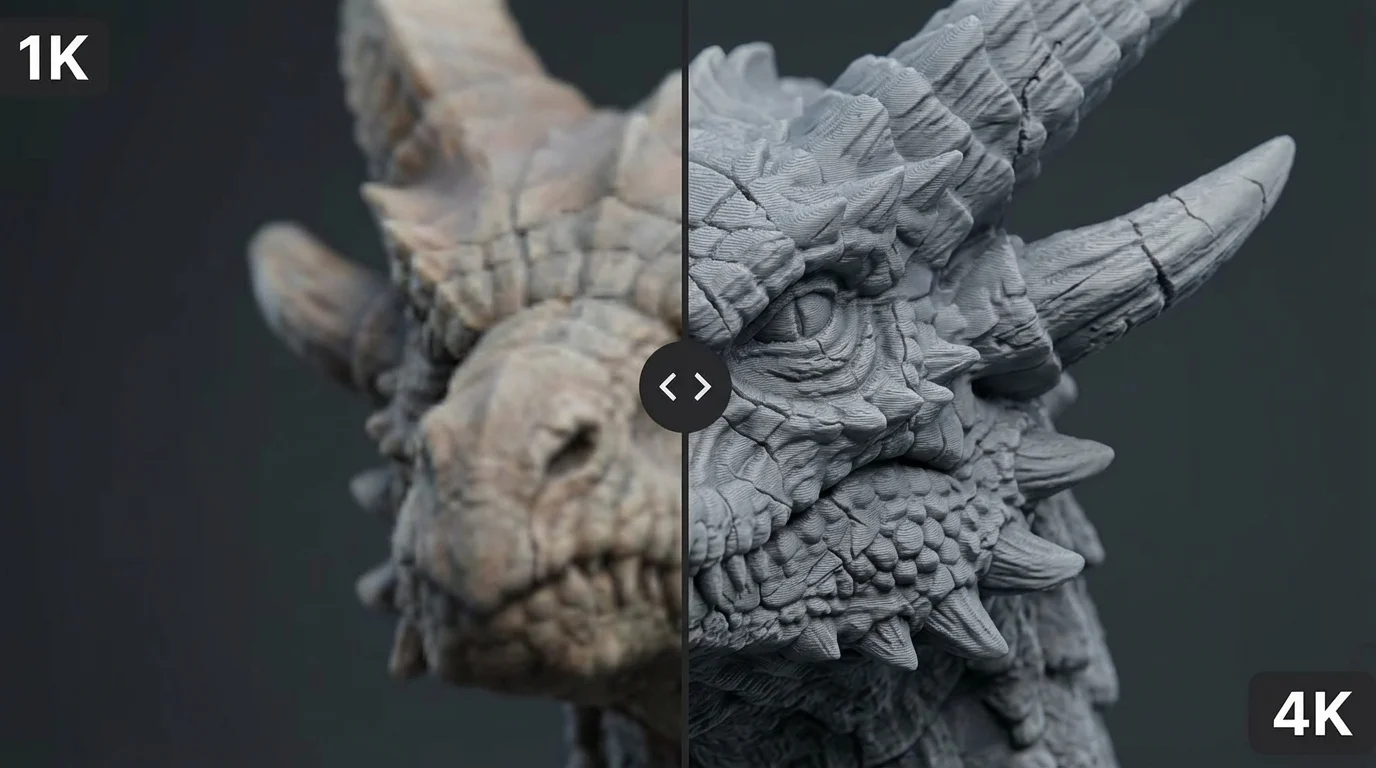
Superior Texture Quality
Generate professional-grade 3D assets with our smart AI texturing technology. The system delivers crisp, high-resolution surface detail, ensuring accurate geometry reproduction and high-fidelity meshes optimized for printing.
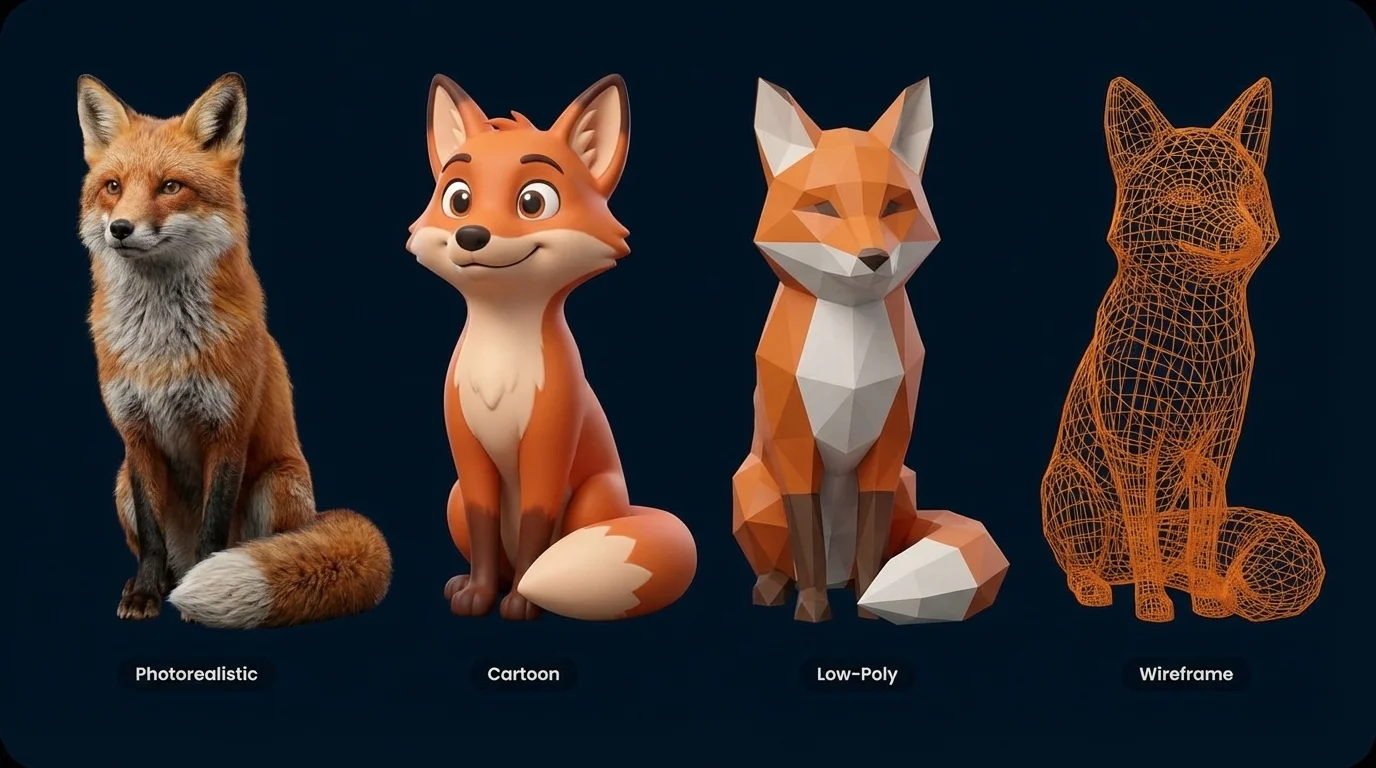
Universal Style Adaptation
Convert photorealistic portraits or stylized game props with no quality loss. We support a vast range of visual styles, ensuring that the unique character of your original is faithfully preserved in the resulting 3D model.
Supported Formats
Upload photos in any popular format and our AI pipeline will convert them to 3D-printable geometry instantly.
FAQ
Image to STL Blog
All articles →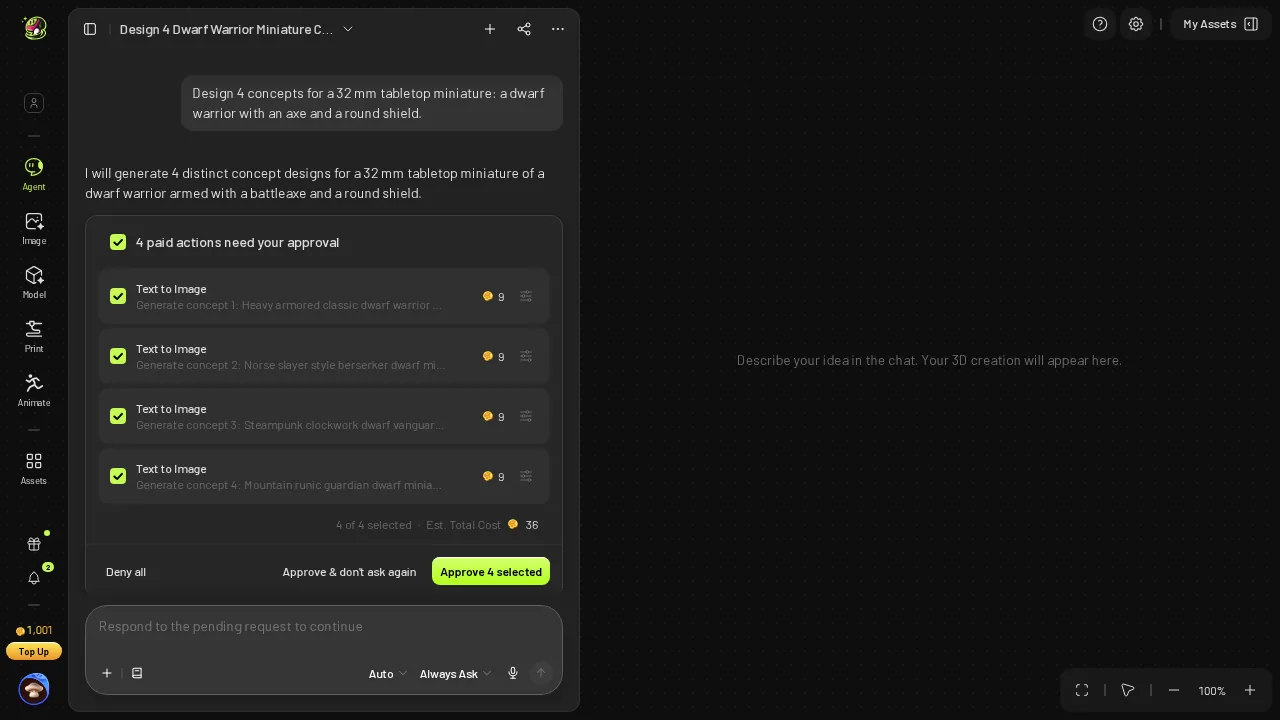
Image to STL: Meshy 3D Agent Miniature Math for One Resin Dwarf
Learn how an image to stl workflow using Meshy 3D Agent turns images into a printable miniature, and how its credits and pricing compare with Snapshapy.
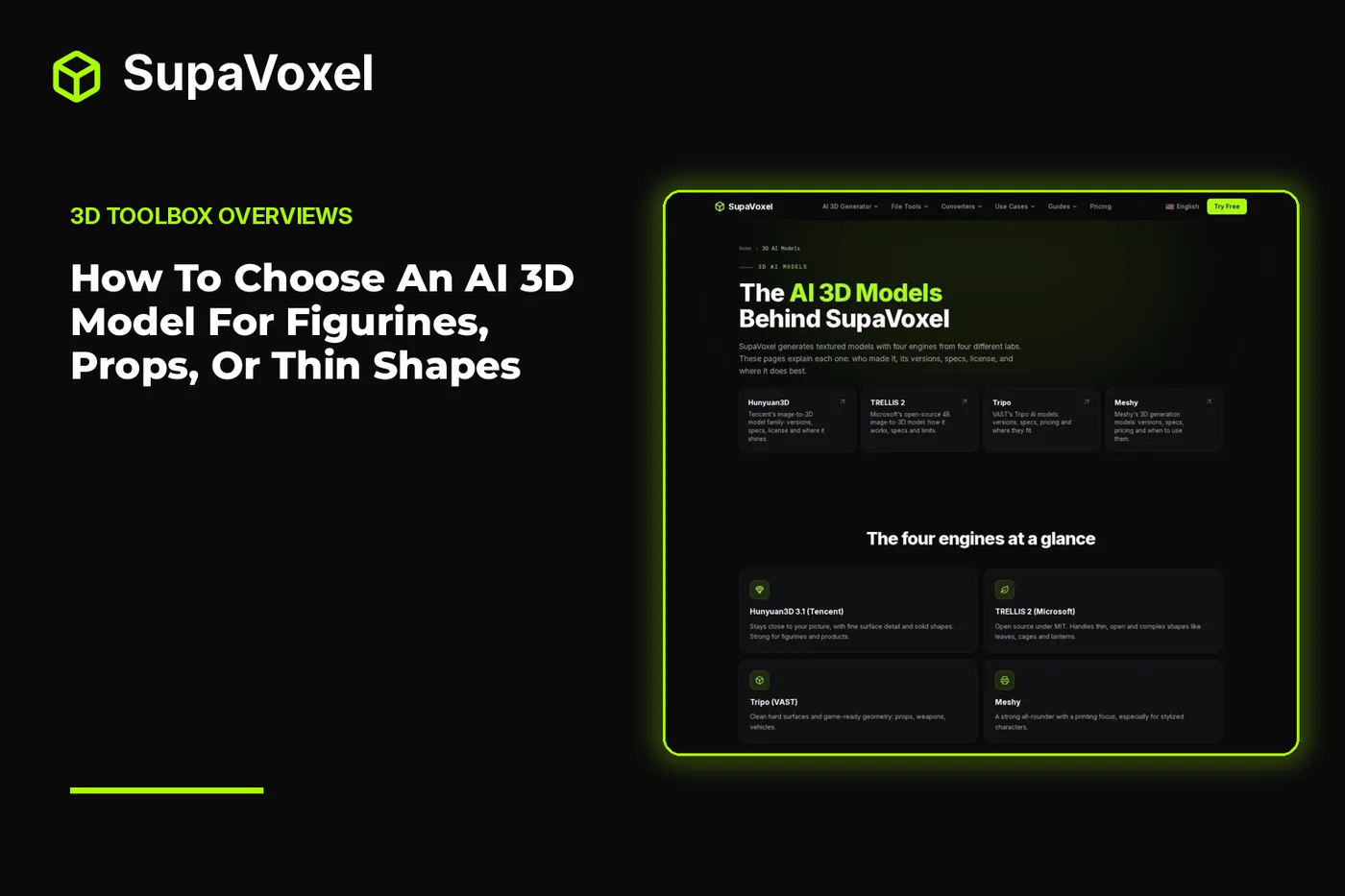
Image to STL: AI 3D Models for Figurines, Props, and Thin Shapes
Learn how to choose Hunyuan3D, TRELLIS 2, Tripo, or Meshy for image to stl workflows involving figurines, props, thin shapes, and printing needs.
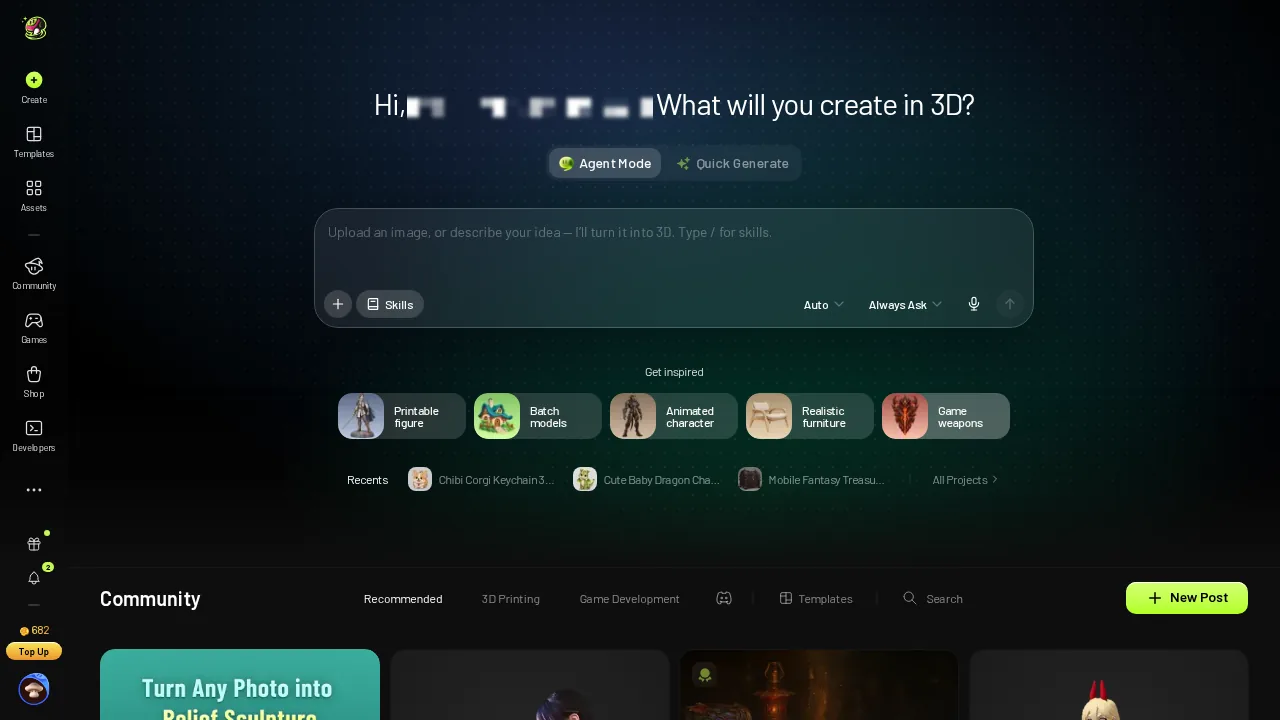
Image to STL: Meshy vs Snapshapy Pricing for One Explorer
This image to stl pricing test compares Meshy 3D Agent and Snapshapy across concept, rig and print steps, showing the 61-credit bill and why steps cost more.
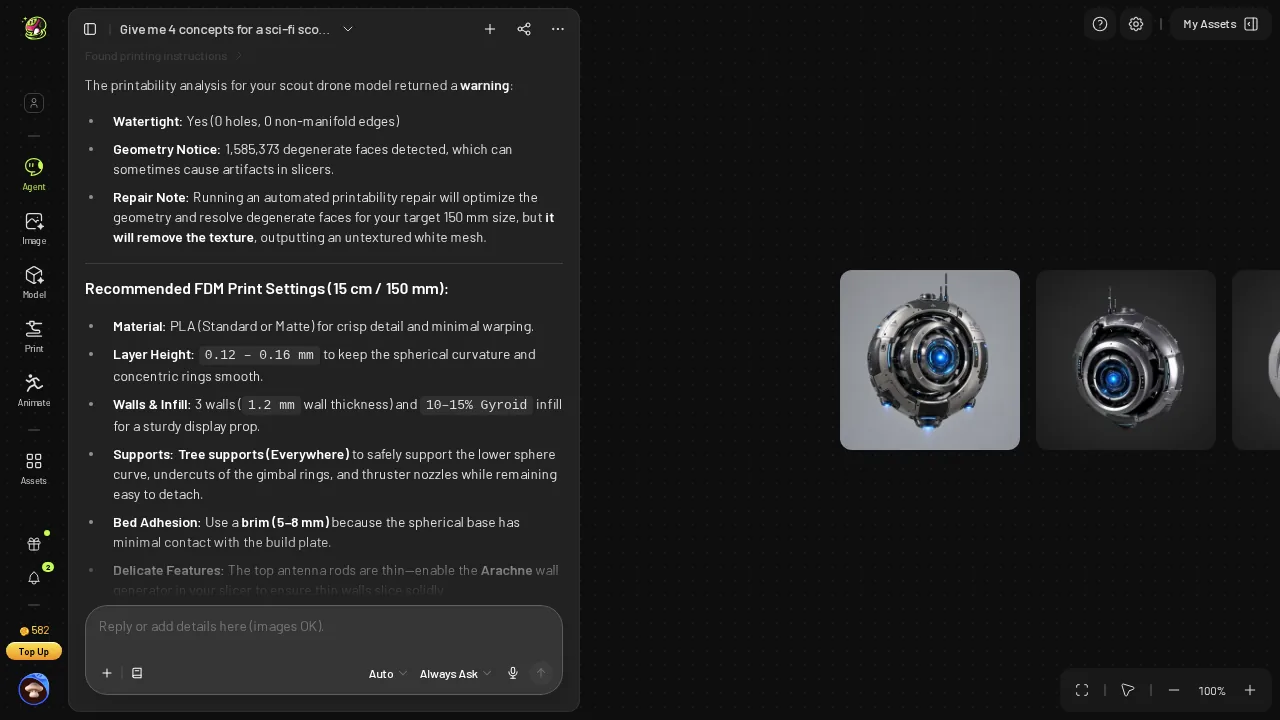
Image to STL: Meshy 3D Agent Review 2026 — 15 cm vs 11.9 cm
This image to stl review tests Meshy 3D Agent on a 15 cm width request, showing why the STL came out 118.85 mm wide and how Snapshapy compared.
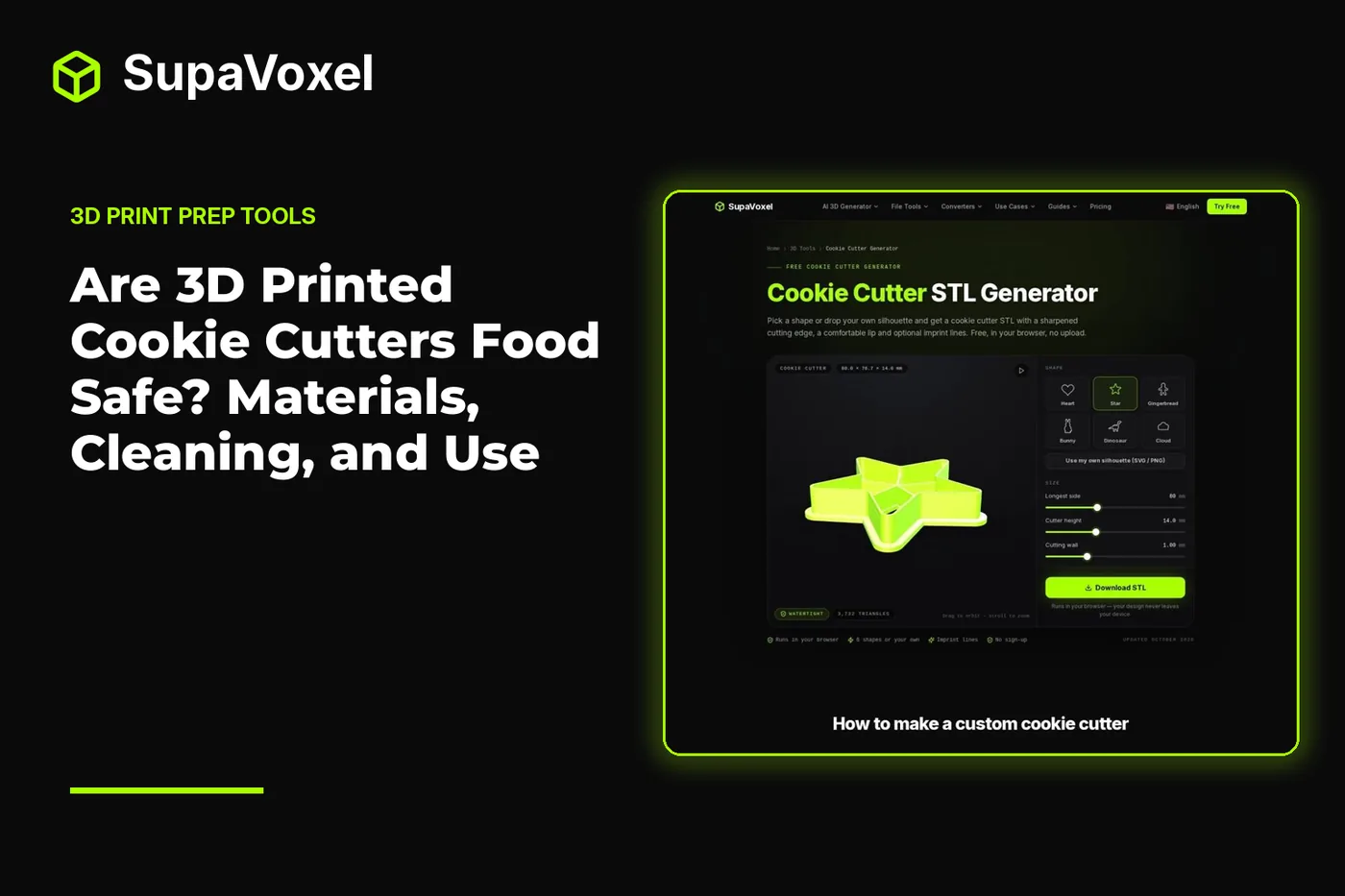
Image to STL: Are 3D Printed Cookie Cutters Food Safe?
This image to stl guide explains whether 3D printed cookie cutters are food safe, which filaments to choose, how to clean them, and when to skip dishwasher.
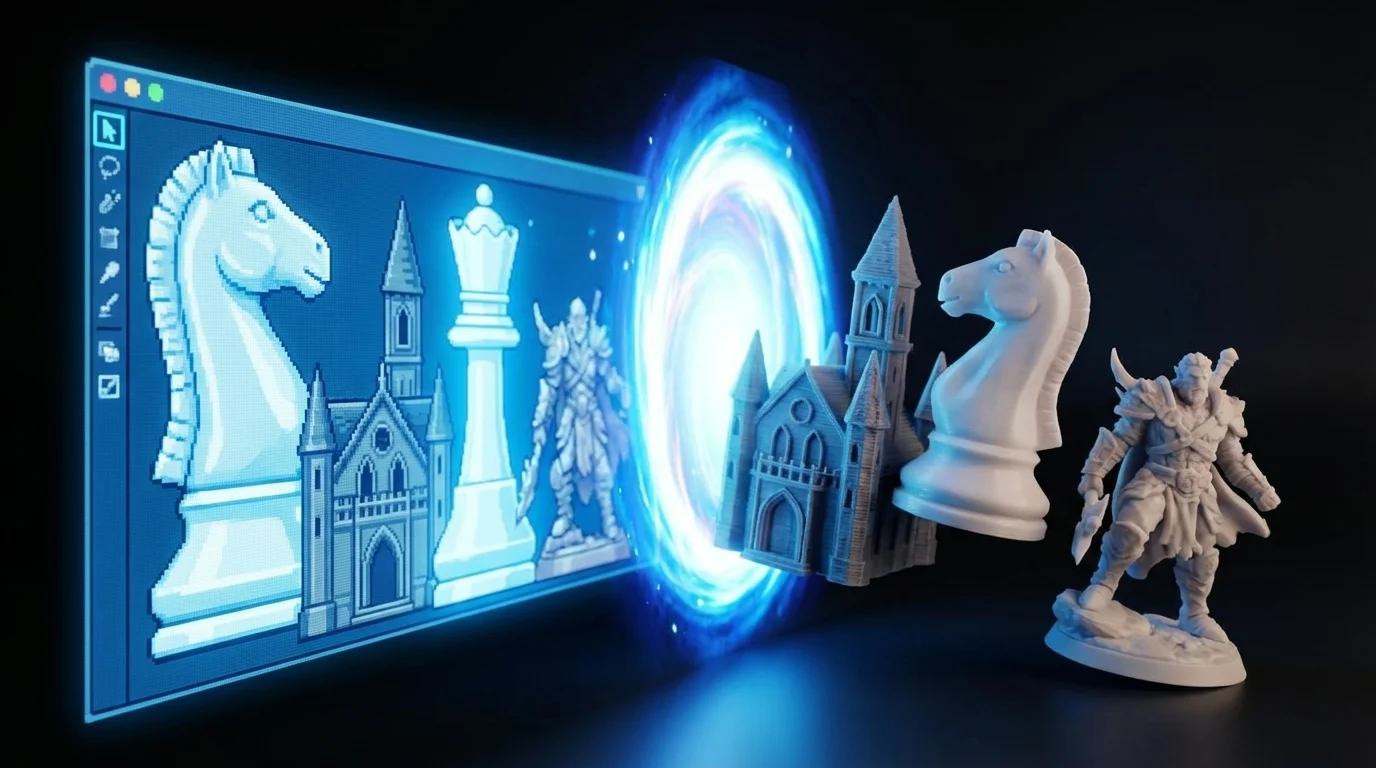
From image to 3D print in seconds
Skip the complex modeling software. Upload your image now and get a print-ready STL file instantly.
Start Converting Free