画像を3Dプリント対応のSTLファイルに変換
任意のJPGまたはPNG写真を、プリント可能な高品質3Dモデルに変換。即座に3D変換 -- 無料のAI搭載ツールはソフトウェアのインストールを必要としません。
- 高速なAI変換
- 細部まで保持
- ソフトウェア不要

JPG画像を3Dに変換する方法
1. JPGまたはPNG写真を読み込む
簡単なドラッグ&ドロップ画面から写真をアップロードします。JPG、PNG、WEBPなど主要な形式に対応しています(最大ファイルサイズ:20MB)。
2. 3Dモデルを生成
「変換」ボタンをクリックすると、画像が3Dモデルに変換されます。瞬時にAIが詳細な形状と表面を自動生成します -- 3Dモデリングのスキルは不要です。
3. ファイルをダウンロード
処理が完了したら、すぐにファイルをダウンロードできます。3Dプリント可能なモデルはあらゆるスライサーソフトに読み込める状態で、手作業のモデリング時間を大幅に節約します。
精巧な形状ディテール
高度なAI変換エンジンが、元画像の細部まで保持します。生成された3Dモデルは複雑な形状や微細な表面ディテールを捉え、高品質な3Dプリントに使えるSTLファイルを作成します。

優れたテクスチャ品質
スマートなAIテクスチャ技術でプロ品質の3Dアセットを生成します。鮮明で高解像度な表面ディテールを実現し、正確な形状再現とプリントに最適化された高忠実度メッシュを提供します。

幅広いスタイルに対応
写実的なポートレートもスタイライズされたゲーム小道具も、品質を損なわず変換します。幅広いビジュアルスタイルに対応し、元の独自の特徴を生成された3Dモデルに忠実に再現します。

対応フォーマット
主要な形式で写真をアップロードすると、当社のAIパイプラインが瞬時に3Dプリント可能なジオメトリに変換します。
FAQ
Image to STL Blog
All articles →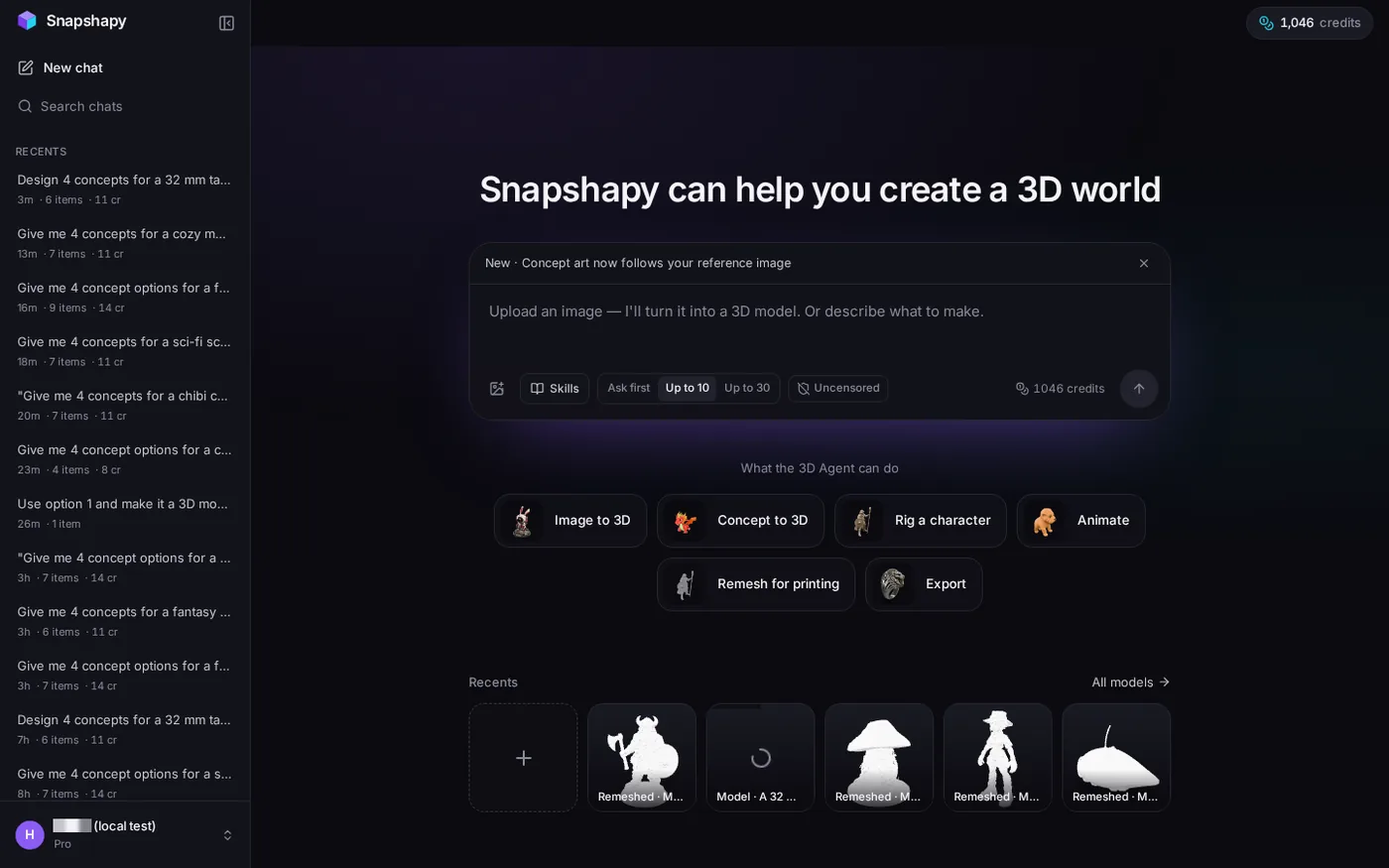
Image to STL: Meshy 3D Agent Pricing for Game Props
Learn how Meshy 3D Agent pricing compares for game props, with credit use, approval stops, and mobile-ready chest costs relevant to an image to stl workflow.
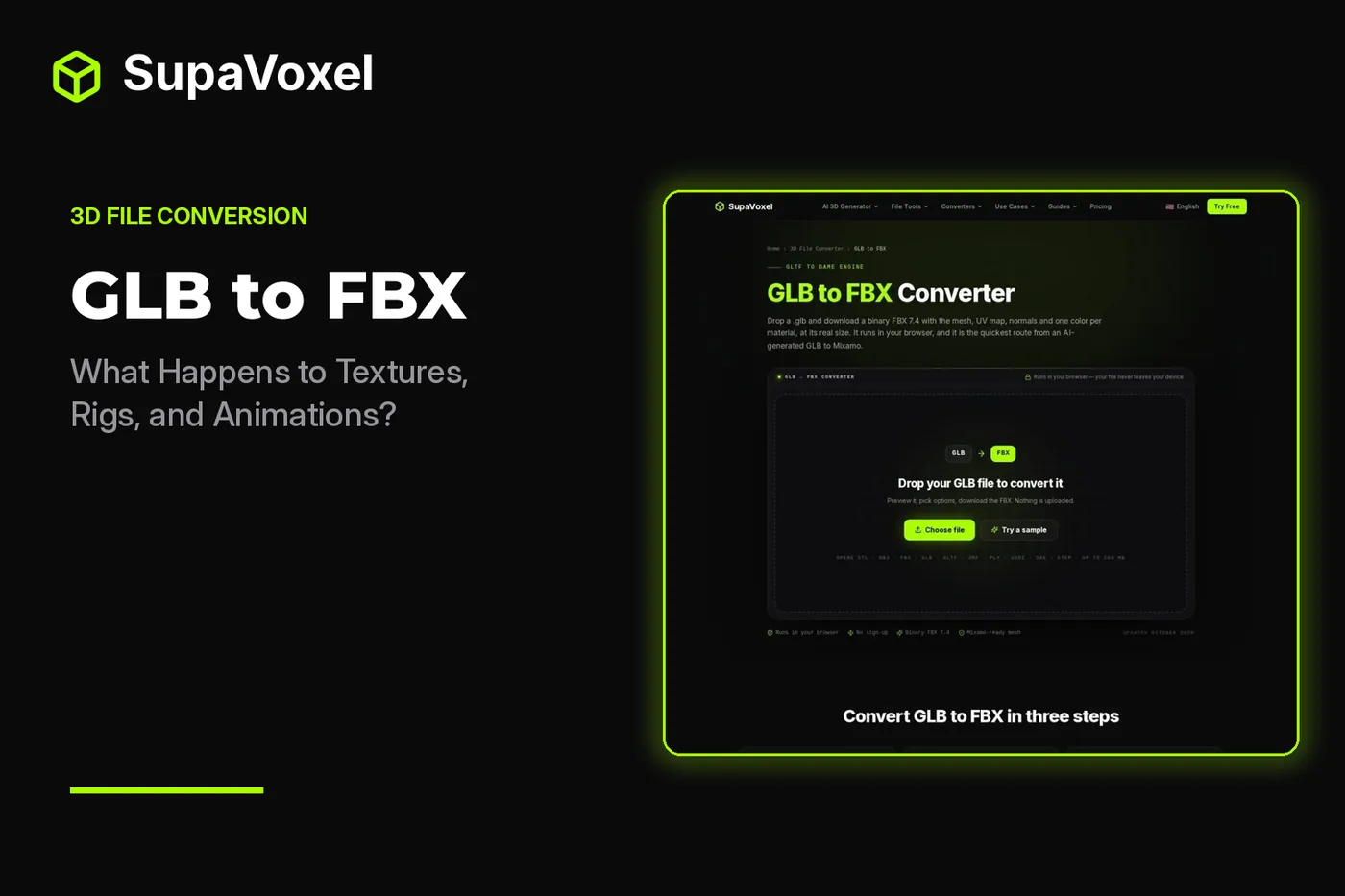
Image to STL: GLB to FBX Textures, Rigs, and Animations
See what a GLB to FBX conversion preserves or drops, including textures, rigs, animations, UVs, and mesh data, and how that compares with image to stl workflows.
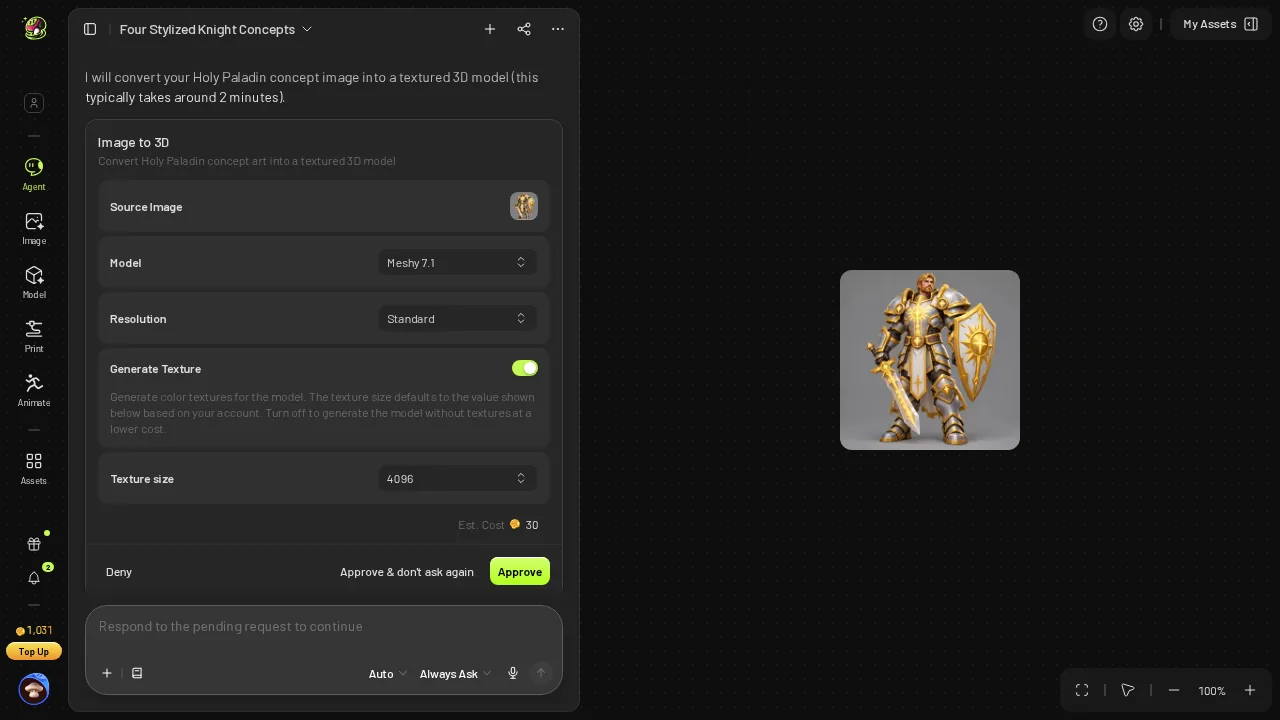
Image to STL: Meshy 3D Agent's 15 Extra Clicks to Rig a Mobile Knight
Learn how Meshy 3D Agent handled rigging and animations for a mobile knight, including the extra steps that matter after an image to stl workflow.
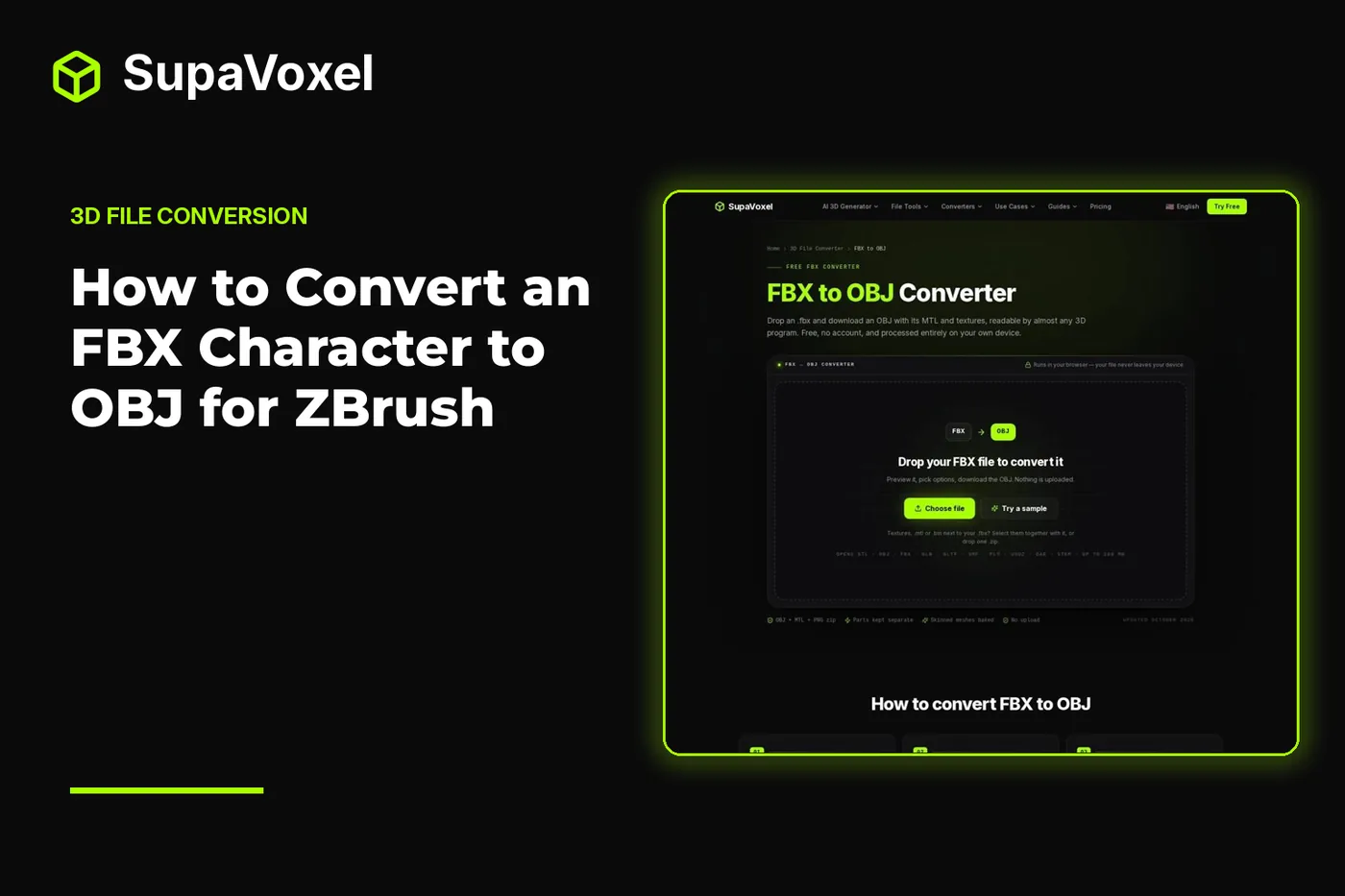
Image to STL: Convert an FBX Character to OBJ for ZBrush
Learn how image to stl workflows relate to converting an FBX character to OBJ for ZBrush, including pose, scale, materials, UVs, and textures.
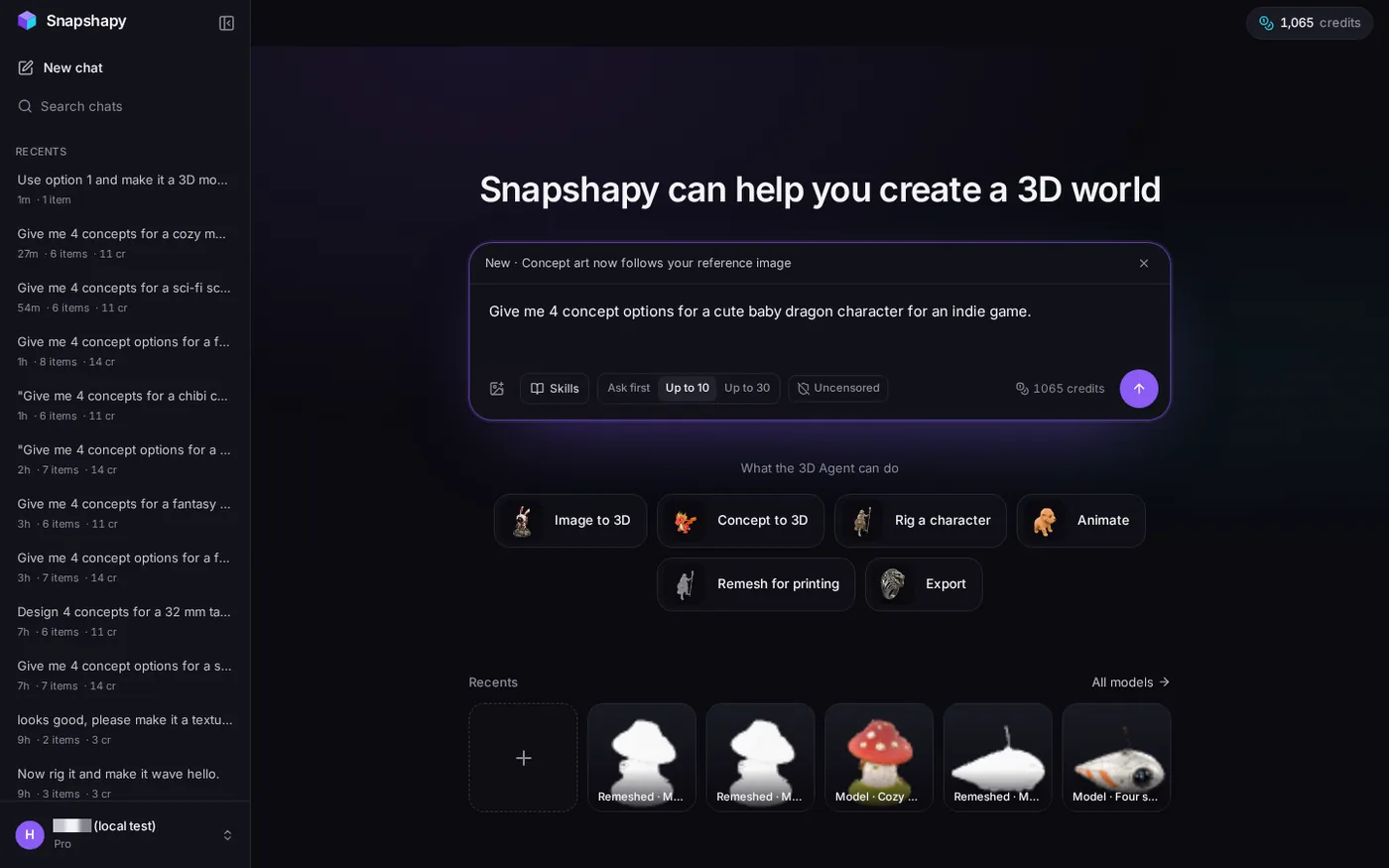
Image to STL: Meshy 3D Agent Cost Check vs. Snapshapy
This image to stl comparison explains Meshy 3D Agent costs, image-to-3D pricing, rigging, animation, and whether its final model is ready for use.

