If you're exploring image to stl workflows, generating a 3D model from an image is only one step. This review follows Tripo's free-tier model through retopology and export, with attention to the mesh and licence limits relevant to 3D printing.
I ran Tripo through a real game-asset pipeline on a brand-new free account — text/image prompt to a million-triangle mesh to a retopologised, export-ready model — and here’s exactly what shipped and what didn’t.
For a couple of years, “AI 3D generation” mostly meant a pretty preview that fell apart the second you opened it in Blender. Tripo (the web app at tripo3d.ai, also called Tripo Studio) is one of the tools people keep naming when they say that finally changed, so I signed up for the free plan, generated a model from a prompt, ran it through Tripo’s retopology and texturing, and tried to export it the way an actual game or 3D-printing workflow would. This Tripo review is that walk-through — every number below is from the live product in 2026, not the marketing page.
Short version: Tripo is genuinely capable, the free tier gives you enough credits to evaluate it properly, and the honest catches are a non-commercial free licence and raw meshes so heavy you have to retopologise before they’re usable.
I also kept an image-to-3D alternative, SupaVoxel, open in the next tab to sanity-check Tripo’s free-tier limits as I went — more on how the two compare at the end.
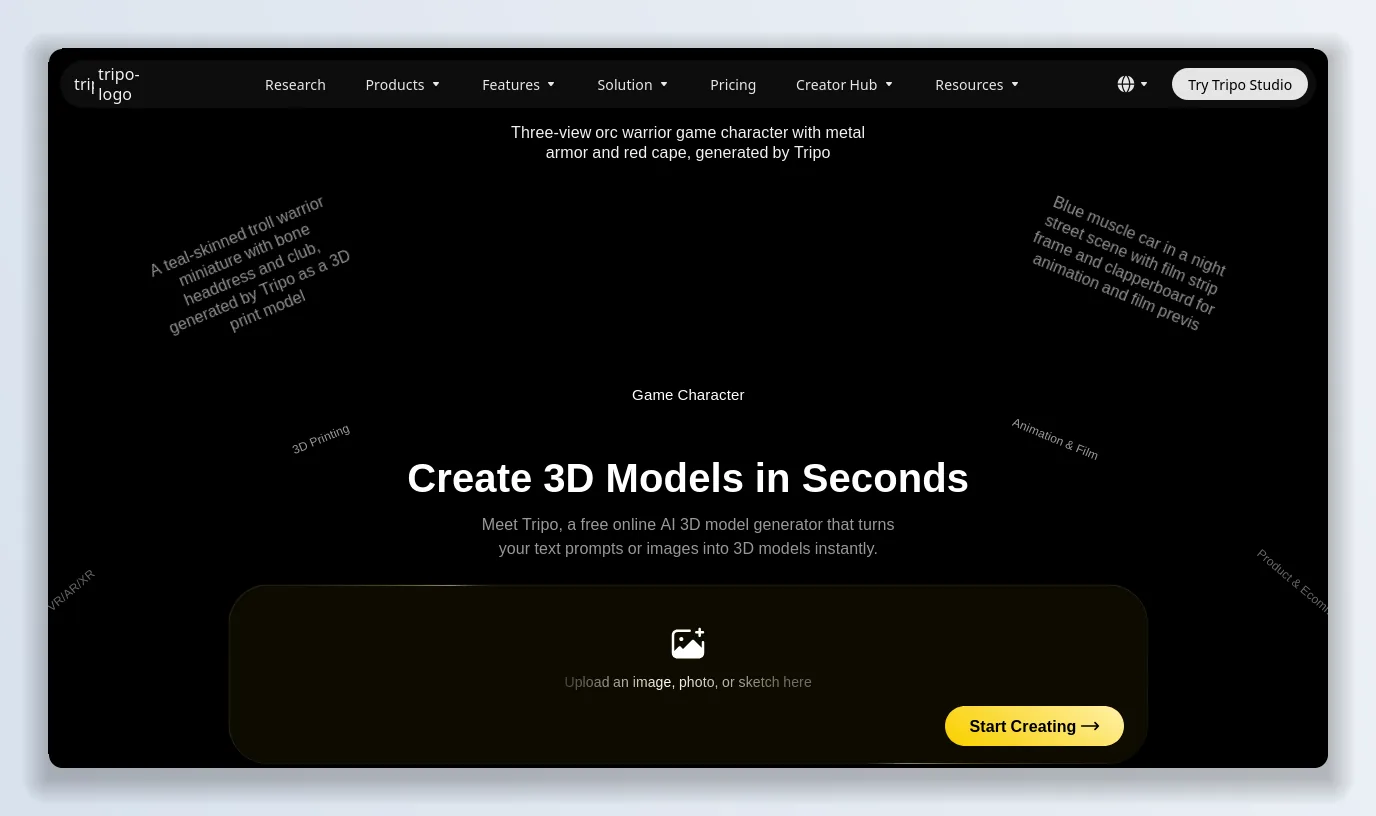
Tripo pitches “Create 3D Models in Seconds” — a free online generator that turns text prompts or images into 3D models. I checked.
What Tripo is, and who it’s for
Tripo is a browser-based AI 3D model generator. You give it a text prompt or an image, and Tripo returns a textured 3D model in about a minute. It’s aimed squarely at three groups: indie game developers who need props, characters and weapons fast; 3D-printing hobbyists who want a printable model without learning ZBrush; and, increasingly, teams wiring Tripo into their own pipelines through the API and a DCC Bridge into Blender/Maya. The homepage leans on one promise — “Create 3D Models in Seconds” — and Tripo’s own onboarding personalises the workspace around whether you’re doing game assets, film, product design or 3D printing.
The pitch that matters is speed plus control: Tripo doesn’t just spit out a blob, it hands you a real editing stack — segmentation, retopology, texturing and rigging — on top of the raw generation. That’s the part I wanted to stress-test.
Getting into Tripo: signup is painless
Creating a Tripo account took under a minute. Tripo Studio offers Google, Microsoft, Apple, Discord and email; I used email, and a six-digit code from [email protected] landed in seconds — no credit card, no sales call. A short onboarding survey asks what you make (I picked Game Assets → Character) so Tripo can tune its recommendations, and then you’re dropped into the workspace with 200 monthly credits and an empty asset library. That’s the free plan, and it’s enough to actually test the thing.
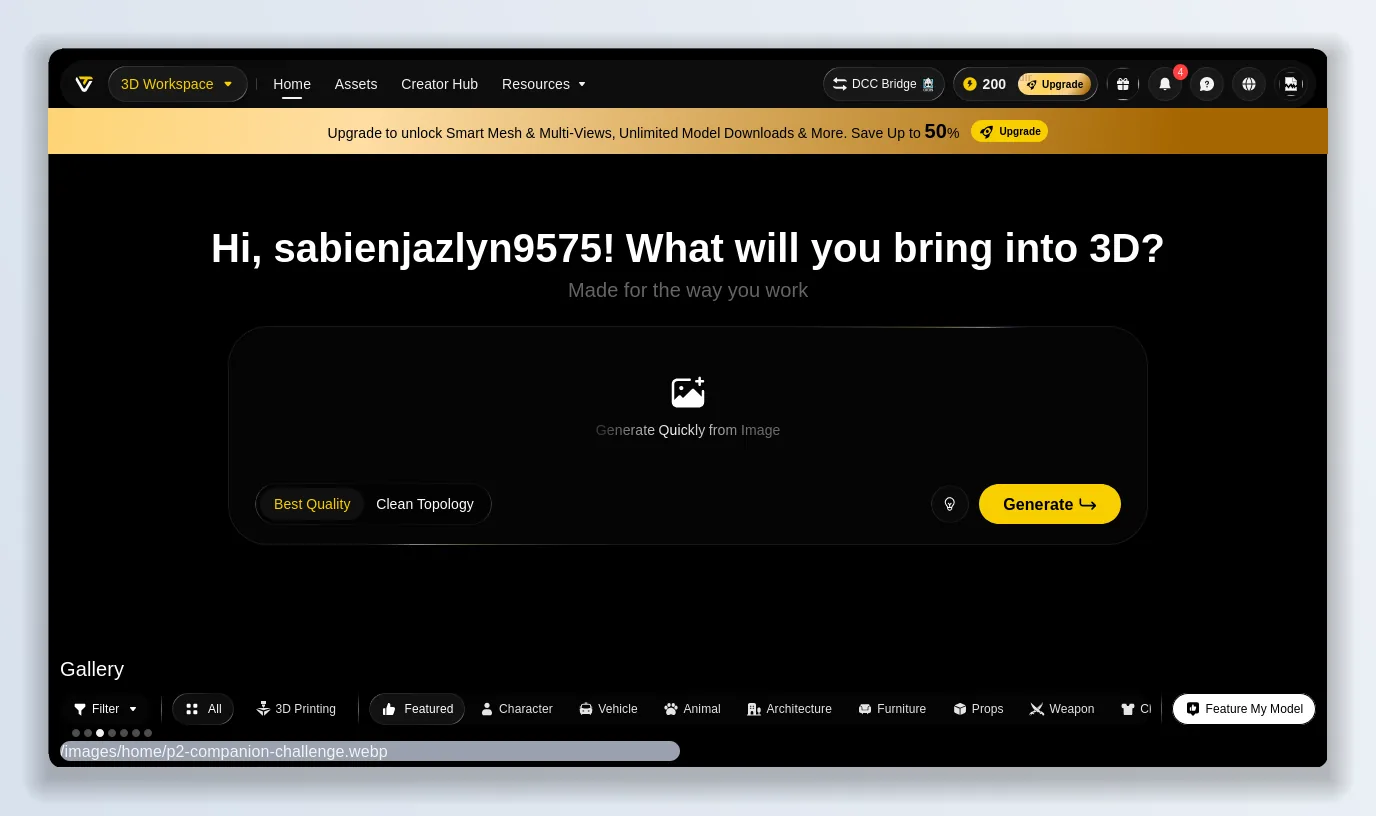
Every new Tripo account starts with 200 monthly credits and no card on file — “Hi, what will you bring into 3D?”
Tripo pricing and credits, plainly
Tripo runs on credits, and understanding the credit math is the whole game on the free plan. Here’s the current pricing (annual billing takes a further chunk off — Pro drops to about $13/month annually):
Plan — Price / month — Monthly credits — Concurrent tasks — Licence
Free — $0–200 (≈ 13 models) — 1 — Public · Non-Commercial
Pro — $20 ($240/yr) — 3,000 (≈ 200 models) — 10 — Private · Commercial
Max — $90 ($1,080/yr) — 25,000 (≈ 1,660 models) — 100 — Private · Commercial
Team — $55 /seat ($1,980/yr) — 90,000 (≈ 6,000 models) — 200 — Private · Commercial
The two catches on Tripo’s free plan are stated plainly on the pricing page: your downloads are Public Models · Non-Commercial Use, and you get limited edit history, storage and exports. Pro is where Tripo unlocks private, commercial models, batch generation, a 7-day edit history, unlimited storage and meshes up to 2 million polygons.
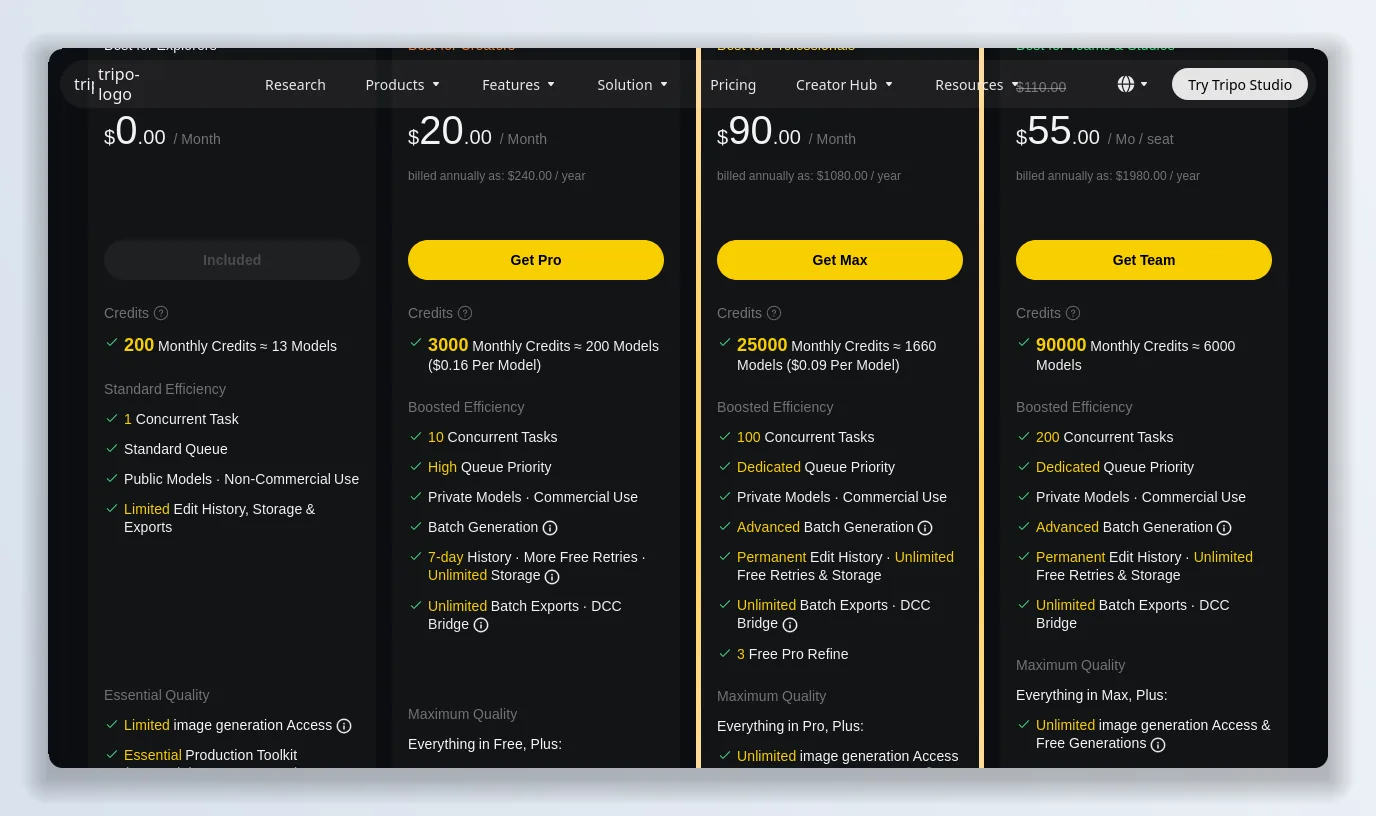
Free is 200 credits ≈ 13 models a month; Pro at $20/mo is where Tripo turns commercial-ready.
How I tested Tripo: prompt to 3D
Tripo’s home box defaults to image-to-3D, and it ships with a set of ready-made subjects to try. I used the “Dragon Archer” sample to test the image-to-3D path end to end. The moment I loaded it, Tripo showed the cost up front — 55 credits for a Best-Quality generation — which is the kind of honesty I want before I spend. You also get a Clean Topology toggle right next to Best Quality, and a choice of the standard HD Model or the newer Smart Mesh (which can now generate quads directly).
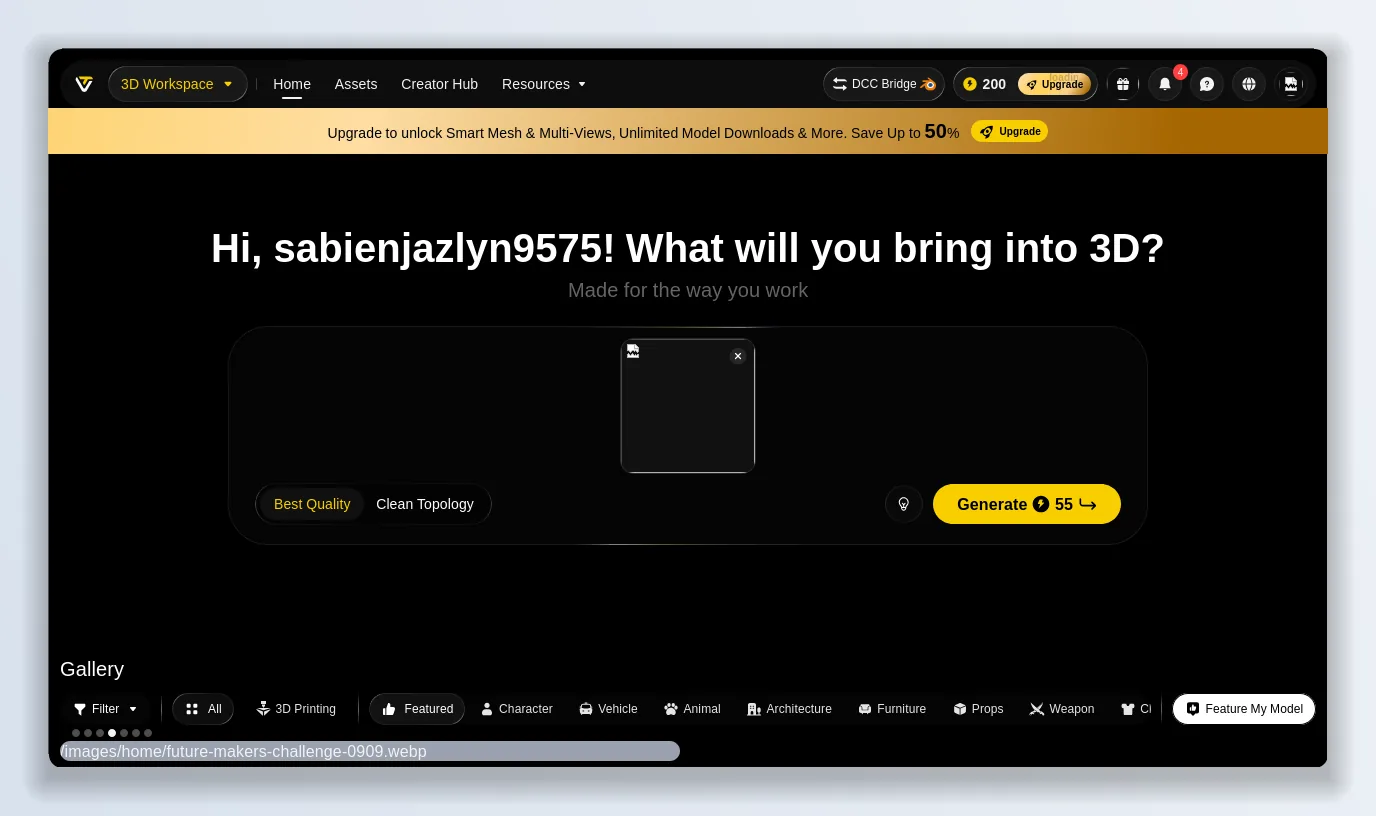
Tripo shows the exact credit cost before you commit — 55 credits for a Best-Quality generation.
Inside the Tripo editor
About a minute later I had a model, and this is where Tripo separates itself from one-click toys. The generation drops you into a full editor with a left-hand stack of tools — Model, Segment, Retopo, Texture, Animate — plus Generate Multi-Views, a DCC Bridge, and member-only extras like Generate in Parts and 8K Texture. This isn’t a preview window; it’s a small 3D content pipeline.
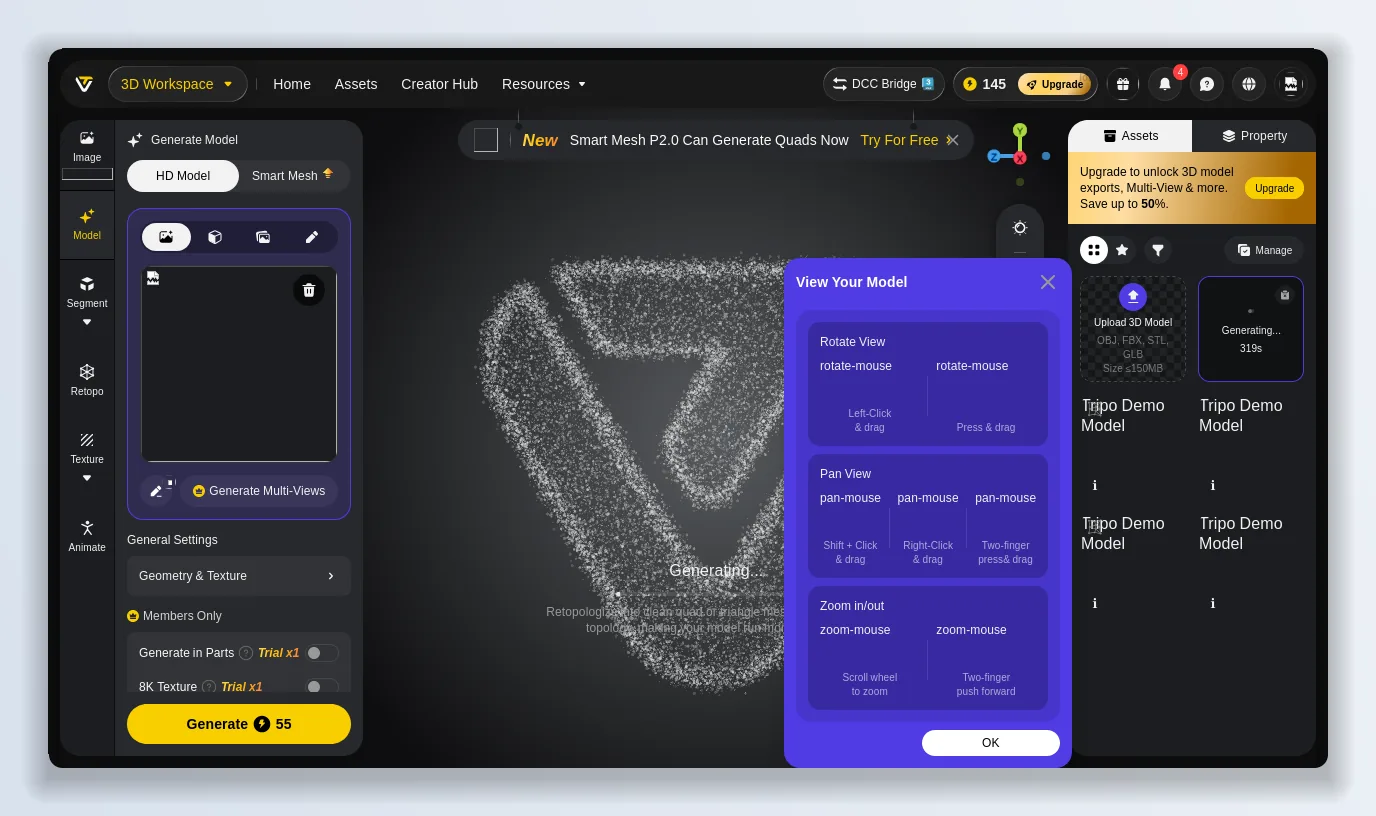
Tripo drops you into a real editor: segmentation, retopology, texturing, rigging and Smart Mesh, not just a viewer.
The result: accurate, but very heavy
The mesh Tripo handed me was faithful to the reference — but the stats panel is the part most AI 3D tools hope you won’t read. Tripo reported 1,012,219 vertices and 1,911,270 faces on a triangle mesh. That’s over a million verts for a single character. It looks great in the viewer, but it is completely unusable as a game asset in that state, and Tripo, to its credit, doesn’t pretend otherwise — it puts the number right at the top and points you at the next tool.
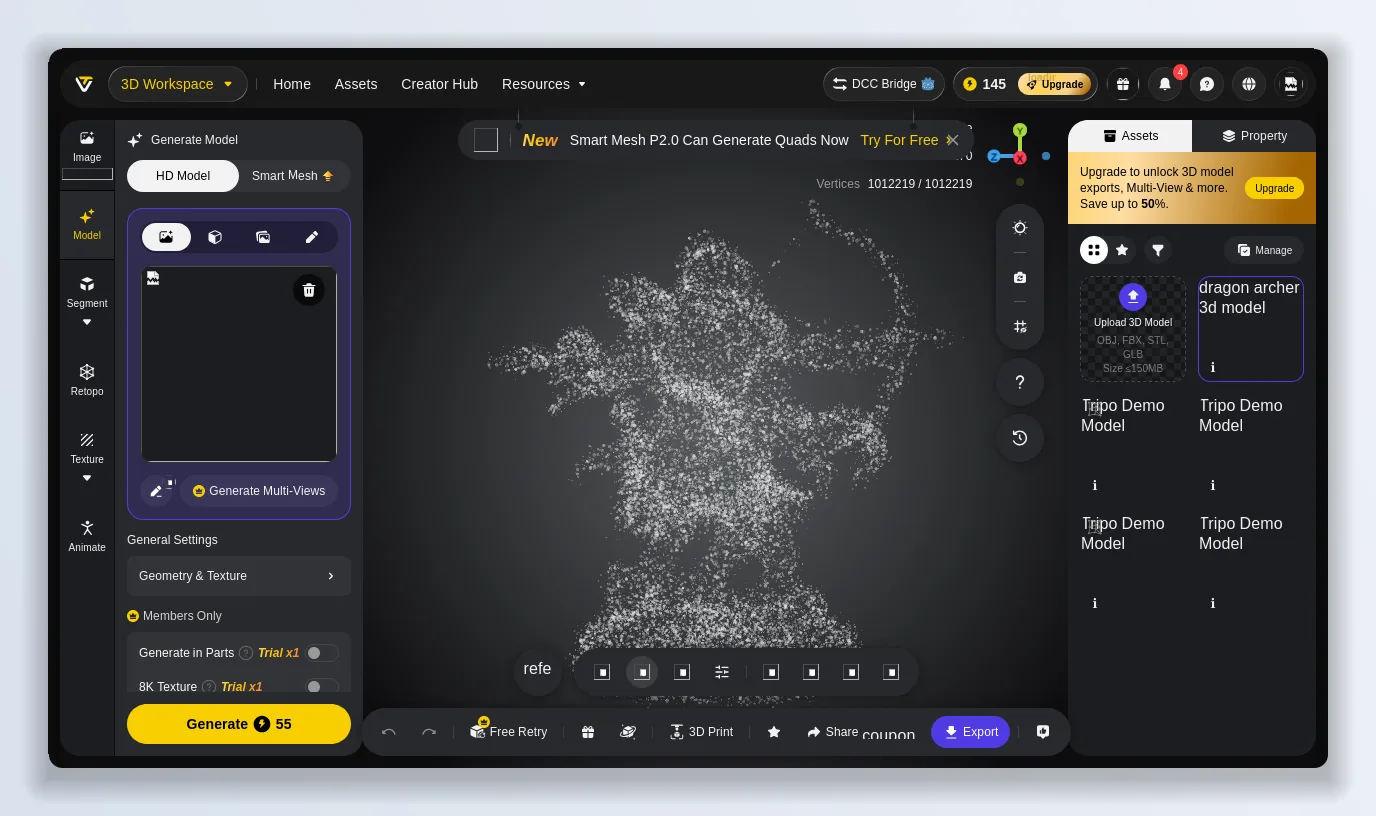
Over a million vertices straight out of generation — accurate, but you have to retopologise before it’s a usable asset.
Retopology: the feature that makes Tripo production-ready
This is where Tripo earned the “pipeline” label for me. The Retopo tool lets you set a target Polygon Count anywhere from 500 to 50,000, switch the topology between Triangles (for real-time engines) and Quads (for a clean subdivision workflow), and flip on Smart Low Poly for aggressive game-ready reduction. Dropping my million-vert dragon to a 10,000-triangle mesh cost 10 credits and gave me something I’d actually drop into Unity. That single step is the difference between a Tripo demo and a Tripo asset.
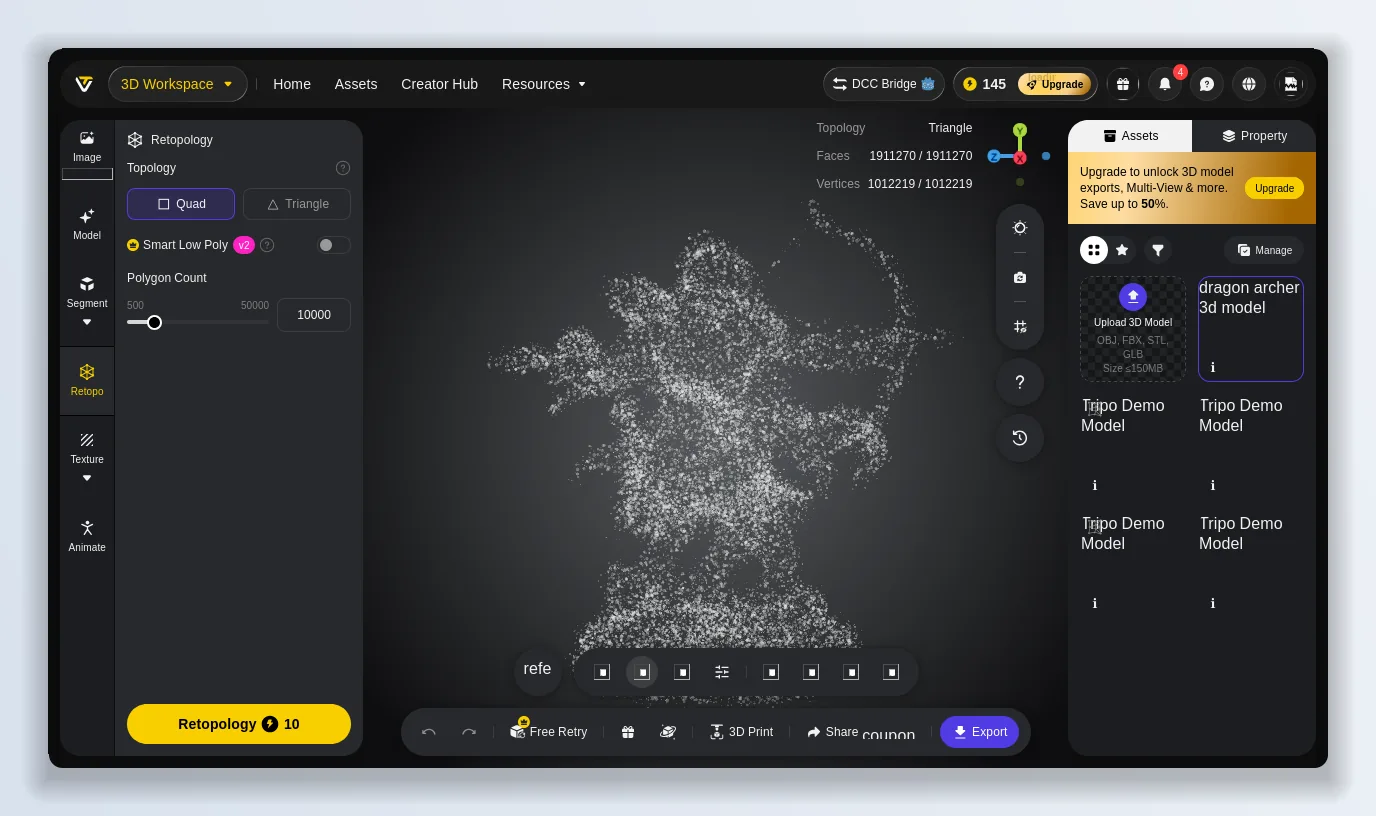
Retopology to 500–50,000 polys, triangles or quads — the step that turns a heavy generation into a usable Tripo asset.
Texturing and export formats
Texturing is a separate step in Tripo, with an option for PBR maps up to 4K (8K is a members-only trial). When you’re done, Tripo’s export dialog offers GLB, FBX, OBJ and STL with a selectable texture resolution, plus a “Send To” option that pushes straight into a connected DCC app through the Tripo DCC Bridge. That format spread covers game engines (GLB/FBX), general DCC (OBJ) and 3D printing (STL). The catch, again, is the free tier: exporting and unlimited downloads sit behind the Pro upgrade, which is the one place Tripo pushes hardest toward paying.
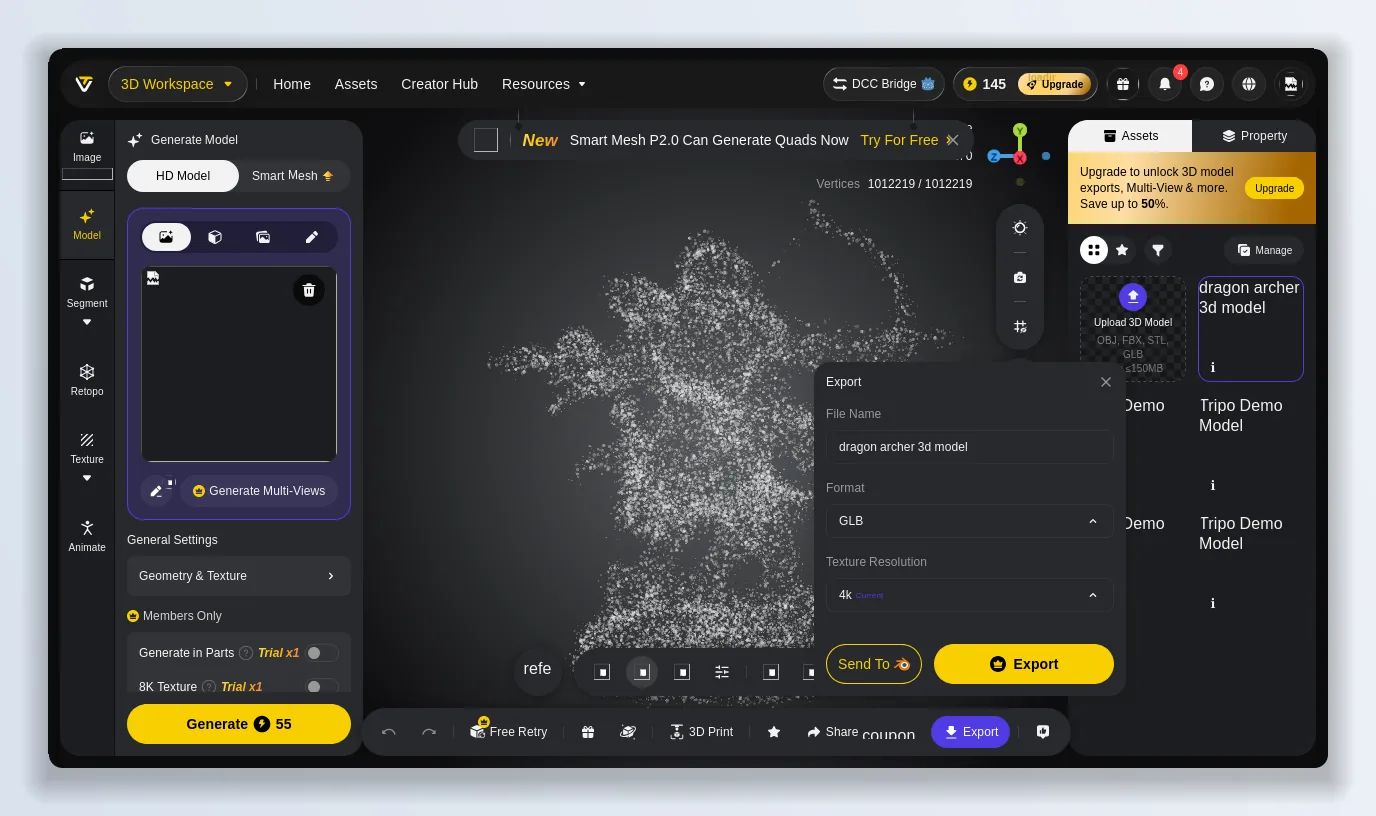
Tripo exports to GLB, FBX, OBJ and STL with up to 4K textures — downloads are where the free plan nudges you to upgrade.
Tripo: the good and the not-so-good
What Tripo gets right:
- The editing stack is the difference-maker — retopology with quad/triangle control and a real polycount slider, not just a mesh dump.
- Honest, upfront credit costs on every action before you spend.
- A genuinely usable free tier (200 credits ≈ 13 models, no card).
- Four export formats — GLB, FBX, OBJ, STL — covering games, DCC and 3D printing.
- Smart Mesh can now generate quads directly, and a DCC Bridge sends straight into Blender/Maya.
What still bugs me about Tripo:
- Raw generations are enormous (1M+ verts), so retopo isn’t optional — it’s a required second step and second charge.
- Best-Quality generations cost ~55 credits, so the 200 free credits go fast — closer to 3–4 finished models a month than the “≈13” headline once you add texturing and retopo.
- The free licence is Non-Commercial, and downloads/exports are gated — commercial use means paying.
The verdict: is Tripo worth it in 2026?
Yes, with clear eyes about what “free” means. If you’re a hobbyist, a student, or a developer evaluating AI 3D generation, Tripo’s free plan is one of the best ways to see how far the tech has come — sign up, spend your 200 credits, and judge the mesh and the retopology yourself at tripo3d.ai. If you’re shipping real work, the $20 Pro tier (3,000 credits, private commercial models, batch generation, 2M-polygon meshes) is where Tripo stops being a toy and becomes a pipeline tool. In 2026, Tripo is one of very few AI 3D generators whose output I’d actually keep working with rather than close after the novelty wears off.
The alternative worth keeping next to it: SupaVoxel
Tripo’s two real catches on the free plan — a Non-Commercial licence and only 3–4 finished models a month once retopo and texturing eat your credits — are exactly where I reach for SupaVoxel instead. It’s a focused image-to-3D generator, so it’s the better fit when you’re starting from a photo, a sketch or concept art rather than fiddling with settings, and it closes most of the gaps I hit above:
- 3 free models every day, no card — where Tripo’s 200 monthly credits realistically buy you a handful of finished models a month.
- Credits never expire and don’t reset monthly, so you’re not racing a clock — the credit anxiety I ran into with Tripo just isn’t there.
- A fraction of the price: SupaVoxel’s annual plan lands around $25/year against Tripo’s $240/year Pro, and paid tiers come with a private commercial licence.
- Print-ready output out of the box: one-click watertight/manifold repair, an auto-generated flat base, and full-colour 3MF export — finishing steps Tripo leaves you to do yourself.
- Fast and broad on formats: an image to a textured model in about 12 seconds, exported to GLB, GLTF, FBX, OBJ, STL, PLY and USDZ with textures baked in.
If you want the deepest editing stack — segmentation, rigging, Smart Mesh quads — Tripo is the more powerful workshop. If you mostly want a clean, commercially-usable model from an image without rationing credits or paying $240 a year, spend five minutes on SupaVoxel before you commit.
Originally published on Medium: Tripo AI Review 2026: I Tested the Free 3D Model Generator End to End.